 Strewn
What is a photo dump?
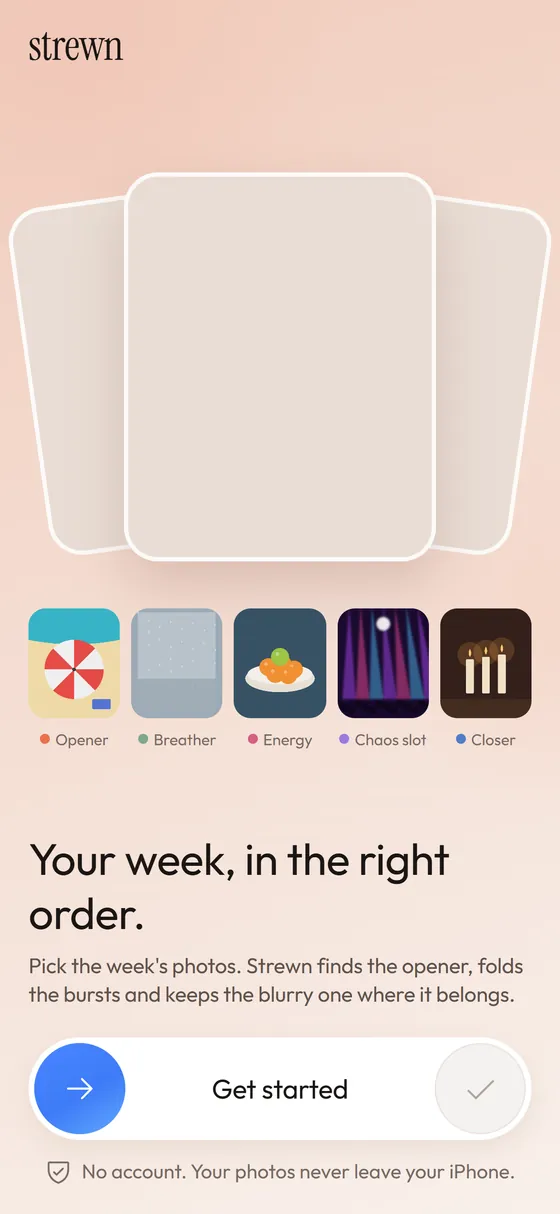
A photo dump is a post made of many casual photos from a stretch of time, usually an Instagram or TikTok carousel. It trades one perfect shot for variety: food, friends, a blurry detail, a screenshot. The charm is that it looks like a week of real life.
Coming soon to iPhone
What does photo dump mean?
The phrase describes a carousel of loosely related photos posted together, often with a short caption. People use it for a weekend, a trip, a month or a season. The format took off on Instagram, where a post can hold several slides, and spread to TikTok slideshows. Google's autocomplete for the phrase keeps suggesting captions, ideas and order templates, which tells you what people actually want help with.
The word dump is slang for tossing everything in without sorting it for taste. In practice the dumps that read best are sorted carefully and only look unsorted, which is why the format rewards a little planning. A typical one runs eight to twelve slides and covers a week, a weekend, a trip or a month.
How is it different from a normal post?
A polished post is curated around one image. A dump is curated around a feeling. Variety matters more than quality, and one unpolished frame is part of the style. The table shows the usual contrast.
| Polished post | Photo dump | |
|---|---|---|
| Photos | 1 to 3 best shots | 8 to 20, mixed quality |
| Order | Hero first, then support | Opener, breathing space, one loose shot, calm end |
| Caption | Often a full thought | Short list or a few words |
| Goal | Show the best frame | Show the week as it felt |
What kinds of photo dump are there?
Most dumps fall into a handful of types, and each wants a slightly different order. A trip suits chronology. A weekly dump suits an arc with an opener and a closer.
- Weekly dump: the last seven days, posted on a Sunday.
- Trip dump: one place, often in the order it happened.
- Event dump: a wedding, a birthday or a concert, with details and crowd shots.
- Monthly or seasonal recap: the best of four weeks in 10 slides.
- Camera roll cleanup: the photos that never got their own post.
- Mood dump: one color, one theme or one weather.
What goes into a good one?
Most dumps that read well share a few ingredients:
The common mistakes are easy to spot once you know them: ten near-identical frames of one scene, an opener that is blurry for no reason, mixed aspect ratios that crop in surprising ways, a caption that explains every photo, and a last slide that is just one more loud picture.
- A strong opener that makes people stop swiping.
- Mixed distances: wide scene, close detail, food, a person, a screenshot.
- One slightly messy frame, which makes the rest feel honest.
- A quiet last slide that gives the swipe somewhere to land.
- Consistent framing, so the mess looks intentional.
How do I make one in five steps?
A simple routine that takes minutes instead of an hour:
Step two is where most of the time goes. Ten shots of the same coffee are one shot with extra swipes. Keep the sharpest, and keep a second only if it shows something the first does not.
- Collect the week: scroll your camera roll and select 25 to 60 candidates.
- Remove near-duplicates and keep the sharpest of each burst.
- Choose an opener with bold color and clear focus.
- Order the rest so bright and calm slides alternate, and park one loose frame around slide 4.
- Write a short caption in your own words and post the slides in order.
Where does Strewn fit?
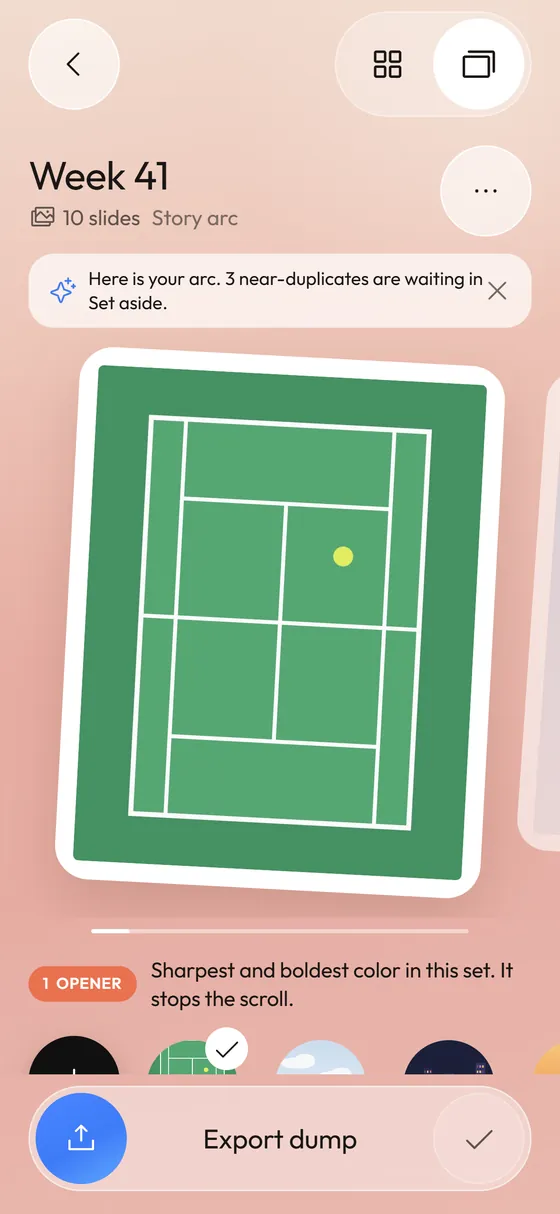
Strewn automates steps two to four on your iPhone and leaves the final order and the words to you. It reads each photo's sharpness, light and color, folds bursts and proposes a story-arc order. The rest is a few taps of swapping.
For the order logic itself, read how to order a photo dump.
The free version builds dumps up to 10 slides in Story arc or Timeline order. Pro raises the limit to 20 and adds Color flow and Shuffle. Strewn is in development and is not on the App Store yet.
What aspect ratio should the slides use?
In the Instagram feed, a 4:5 portrait takes up more screen than a square. Mixing ratios in one carousel crops some slides, so a consistent frame is the safe choice. See aspect ratio) for the background on 4:5, 1:1 and 3:4.
Frequently asked questions
How many photos go in a photo dump?
Eight to twelve is a common range. Instagram carousels allow up to 20 slides, and Strewn exports up to 10 on the free plan and 20 with Pro.
Do photo dumps need editing?
Not much. Many dumps are unedited. A consistent frame and a considered order do more than filters.
What is the difference between a photo dump and a collage?
A dump is a carousel you swipe through. A collage puts several photos on a single image.
Is a photo dump the same as a photo carousel?
A photo dump is a style of carousel. Any multi-photo post is a carousel, and a dump is the casual, week-in-life kind.
Keep exploring
Photo Dump OrderA slide-by-slide order template for a 10-photo dump.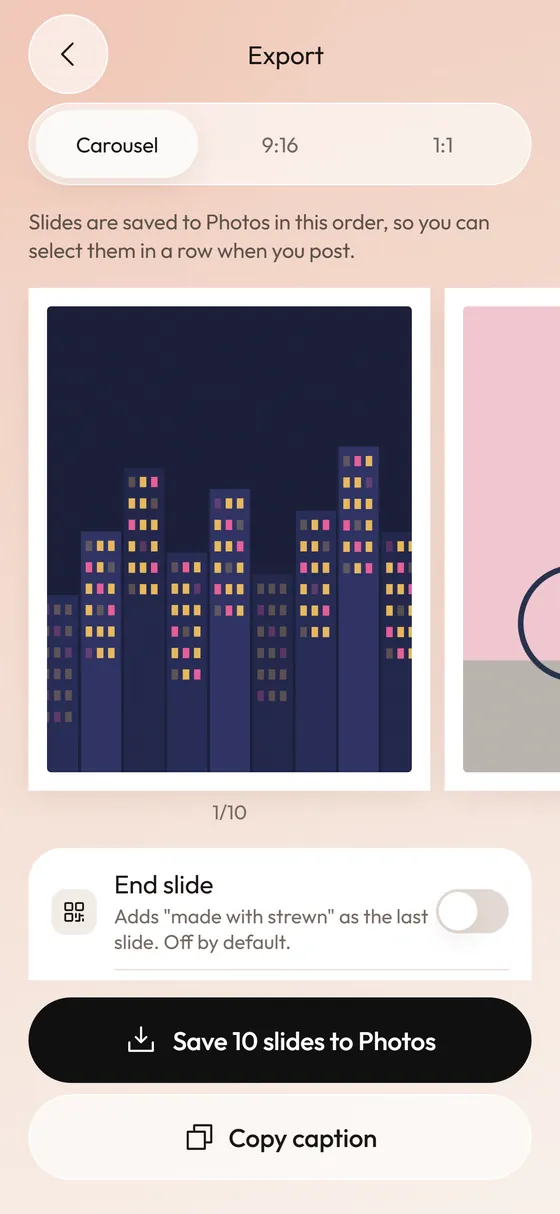 How to Post a Photo Dump on Instagram in the Right OrderA short routine for posting a carousel in the order you planned.Photo Dump OrderA story-arc order with a reason for every slide.
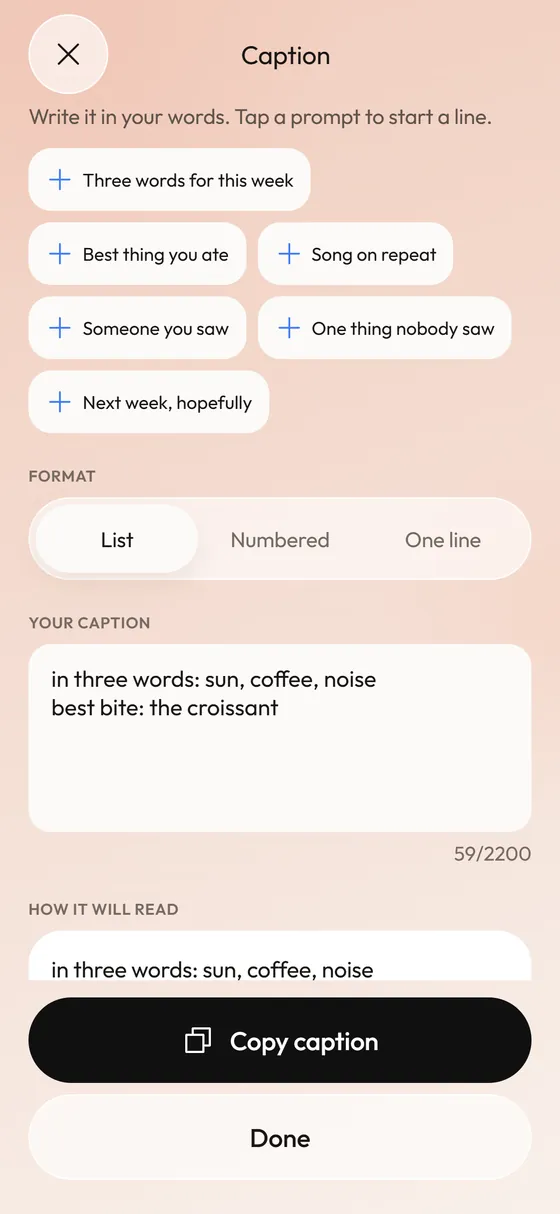 Photo Dump CaptionsCaption formats and prompts that start fast.