 Strewn
How Strewn decides the order of your photo dump
Strewn orders a photo dump by scoring each photo for sharpness, saturation, light and contrast, then placing it on a story arc: opener first, a breather second, a deliberate chaos slot around slide 4 and a warm closer last. Every slide shows its reason in plain words.
Coming soon to iPhone
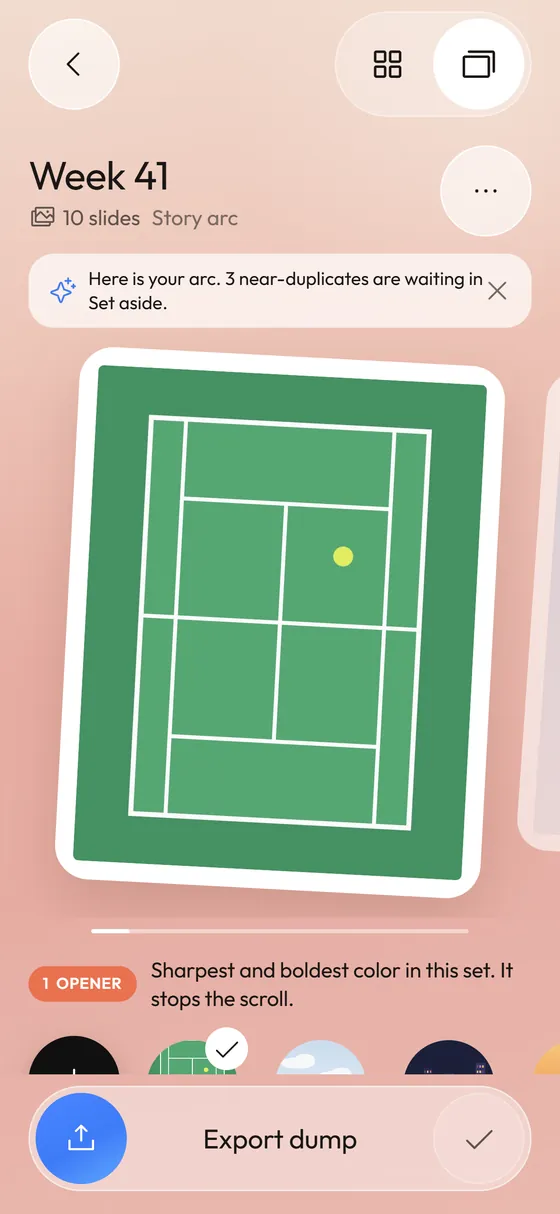
What does the story arc look like?
Five roles carry the sequence. The Opener is the slide that stops the scroll. The Breather follows with soft light and calm color. The Chaos slot is the loosest shot in the set, placed around slide 4 when the dump has six or more slides. Detail and Energy slides alternate in between, and the Closer is warm and quiet.
Each role has its own colored dot in the editor strip, and tapping a slide shows a one-line reason such as sharpest and boldest color in this set.
How are photos scored?
Strewn reads a 64 pixel wide thumbnail of every photo on the phone. From it come average brightness, contrast, sharpness (the variance of a 3 by 3 Laplacian on the gray image), saturation, dominant hue and warmth. A 64-bit difference hash handles near-duplicates.
The opener score weighs sharpness at 45 percent, saturation at 35 percent and mid-range light at 20 percent. The breather favors low contrast and low saturation. The chaos slot is the lowest sharpness above a floor that rules out unreadable files.
No AI model and no cloud. The math runs on your iPhone in seconds.
Why keep a blurry photo in the middle?
A dump feels real because it is not all polished. One loose frame near the middle tells viewers the post is a week of life and not a portfolio. The slide is yours to swap or remove at any time.
What are the four vibes?
Vibe changes the order rule:
Switching vibe re-sorts the dump, so choose it before you start making manual swaps.
- Story arc (free): opener, breather, chaos slot, closer.
- Timeline (free): the order you took the photos in.
- Color flow (Pro): each slide hands its color to the next.
- Shuffle (Pro): opener and closer stay, the middle mixes.
How do I change what Strewn proposed?
Four moves, all in the editor:
The reason line is useful here. If you disagree with a role, you can see what Strewn was looking at and decide whether to overrule it. The proposal is a starting point.
- Tap a slide in the strip to select it and read its reason.
- Tap Swap, then another slide, to trade places.
- Use Move to nudge a slide left or right, or Replace to pull a photo in from the Set aside tray.
- Pick a different vibe. Your manual swaps stay until you choose a vibe again.
What frame do the slides get?
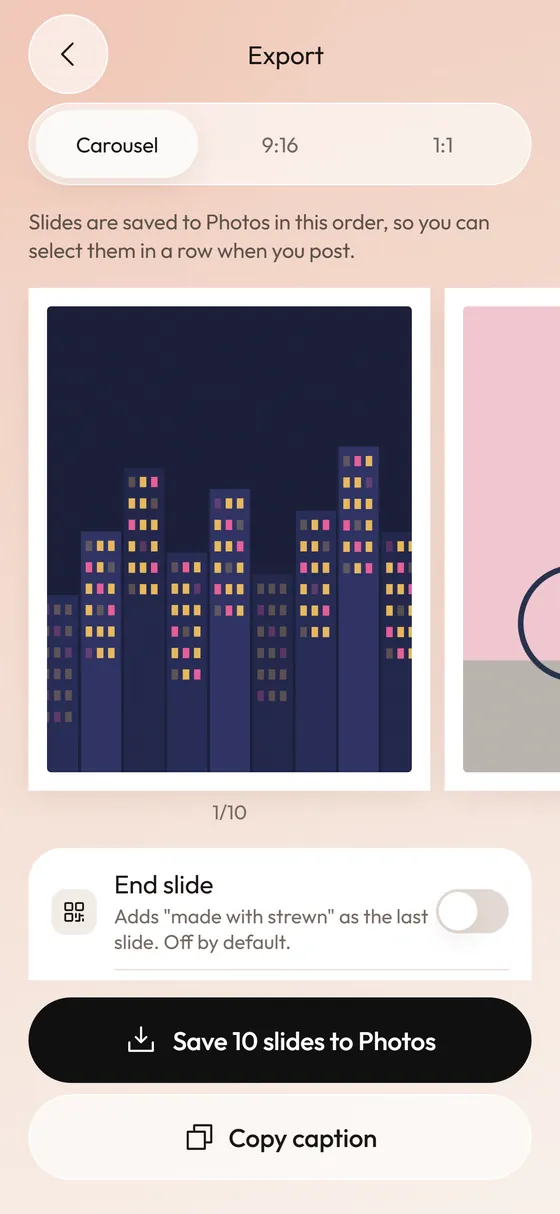
Every slide sits in one consistent frame so the carousel looks planned. Free offers 4:5 with a white border; Pro adds 1:1 and 3:4 shapes and cream or black borders. 4:5 fills the most screen in the feed.
Frequently asked questions
How many photos can I pick?
Between 3 and 60 photos at a time. Free dumps run up to 10 slides and Pro allows up to 20.
Can Strewn keep the original order?
Yes. The Timeline vibe keeps the order you took the photos in.
Does the order change if I add photos later?
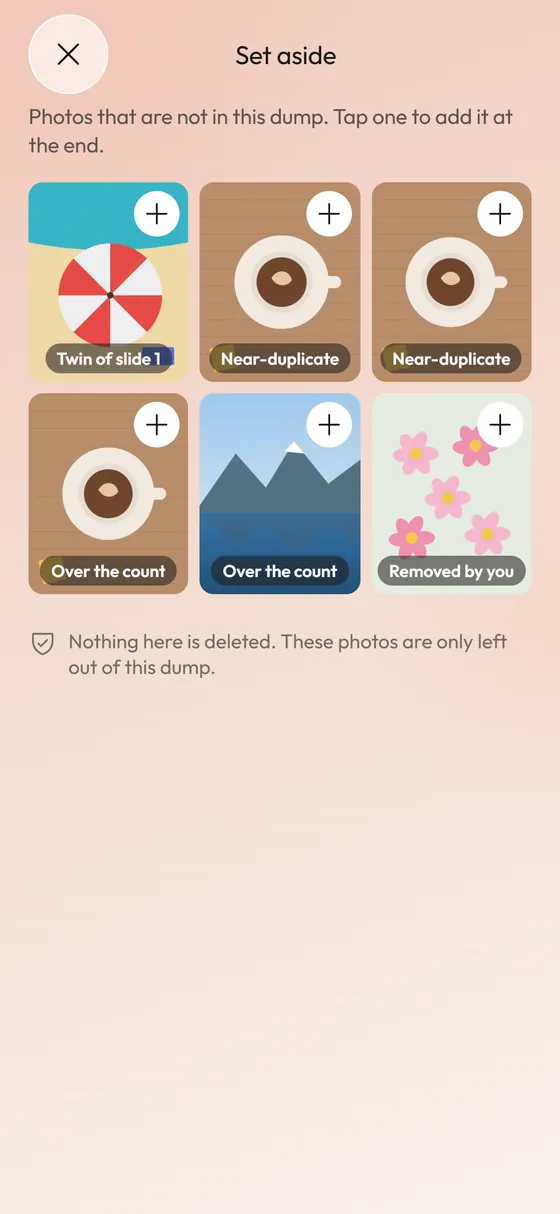
Photos you add from the Set aside tray are appended at the end, or replace the slide you have selected. The rest of the order stays put.
Why is a particular photo the opener?
The opener is the sharpest photo with the boldest color in the set. The reason line under the slide says so.
Keep exploring
 Duplicate Photo Finder for DumpsBursts become one slide; twins wait in Set aside.Photo Dump Carousel and Collage Export for StoriesCarousel slides, a 9:16 teaser and a 1:1 collage.Photo Dump OrderA slide-by-slide order template for a 10-photo dump.
 What Is a Photo Dump? Meaning, Examples and How to Make OneMeaning of a photo dump, what goes in one, and how to make yours.