 Strewn
Photo dump guides
Short, practical guides to making a photo dump that reads well: what the format is, how to order the slides, how to post a carousel in the right sequence and how to write the caption. Each guide answers one question first and then shows the steps in Strewn.
Coming soon to iPhone
Where should I start?
If the term is new, read what a photo dump is, then how many photos a dump should have and the best order for a photo dump. Those three answer most first-time questions.
If you already know what you want to post, jump to how to post a photo dump on social media for the posting steps.
What topics do the guides cover?
- Basics: meaning, slide count and order.
- Ideas: birthday, vacation, monthly, weekly, aesthetic and photo diary dumps.
- The social app details: size, photo limit, music, reordering and blurry uploads.
- Other places: stories, short-video apps and collages.
- Your camera roll: duplicates, selecting many photos and organizing.
Do I need the app to use these guides?
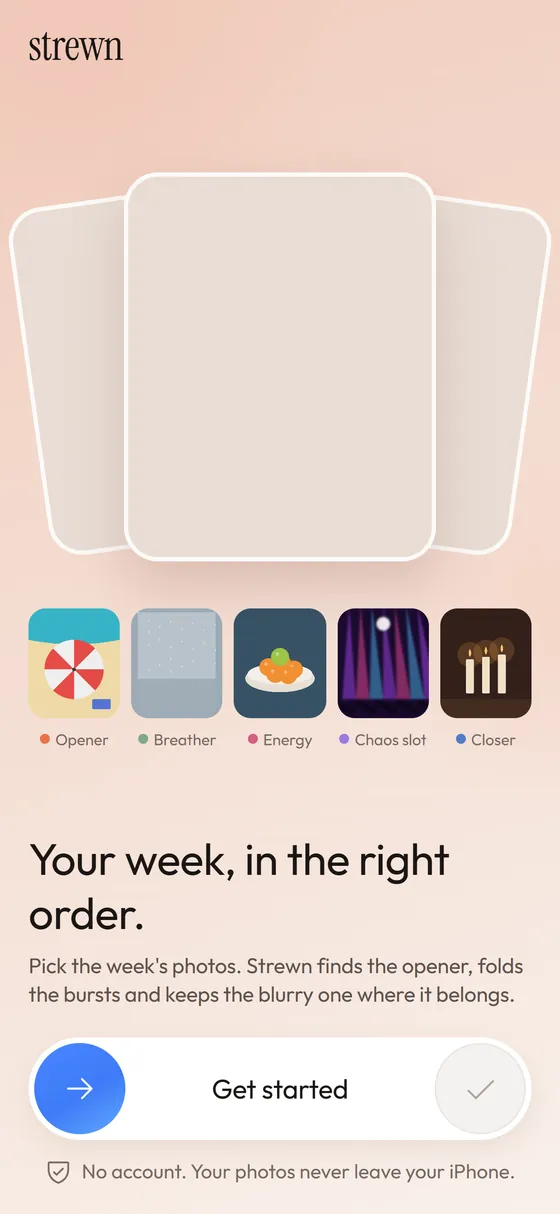
No. Every guide works with the Photos app and the social app. Strewn is mentioned where it saves a step, such as ordering ten photos or folding near-duplicates.
 How to Select Multiple Photos on iPhone QuicklyTap, drag and Select All in Photos, plus how pickers handle many photos at once.Monthly Photo DumpTurn a month of photos into one recap post, with a week-by-week method.Photo Diary IdeasRules, prompts and formats for a photo diary you can keep for a year.Photo Dump CaptionsCaption formats and prompts that start fast.Photo Dump IdeasThirty things worth putting in a photo dump, sorted by the job each one does.Photo Dump in Short-Video AppsOrder your photos on iPhone, then post them as a swipeable photo post with sound.Photo Dump OrderA slide-by-slide order template for a 10-photo dump.Photo Dump StorySizes, layouts and a teaser approach for dump-style Stories.Photo Dump vs CarouselCarousel is the container. Photo dump is a casual way of filling it.Vacation Photo Dump Ideas and How to Order ThemWhat to shoot on a trip and how to turn 400 photos into one swipeable dump.Weekly Photo DumpA fifteen-minute Sunday routine for a photo dump you actually post every week.What Is a Photo Dump? Meaning, Examples and How to Make OneMeaning of a photo dump, what goes in one, and how to make yours.Why Photos Look Blurry After Posting and How to Fix ItSizes, formats and settings that keep an iPhone photo sharp after upload.
Frequently asked questions
How many photos should a photo dump have?
Six to twelve slides works for most dumps, with ten as a default. The social app allows up to 20 photos in a carousel.
What is the difference between a photo dump and a carousel?
A carousel is the container, a post with several slides. A photo dump is a casual way of filling it, with variety and a loose tone.
Can I change the order of a carousel after posting?
Only in limited ways. The guide on changing carousel order explains what the edit screen can do and when it is easier to repost.
Do these guides need Strewn?
No. They use the Photos app and the social app, and mention Strewn only where it has a matching feature.
Keep exploring
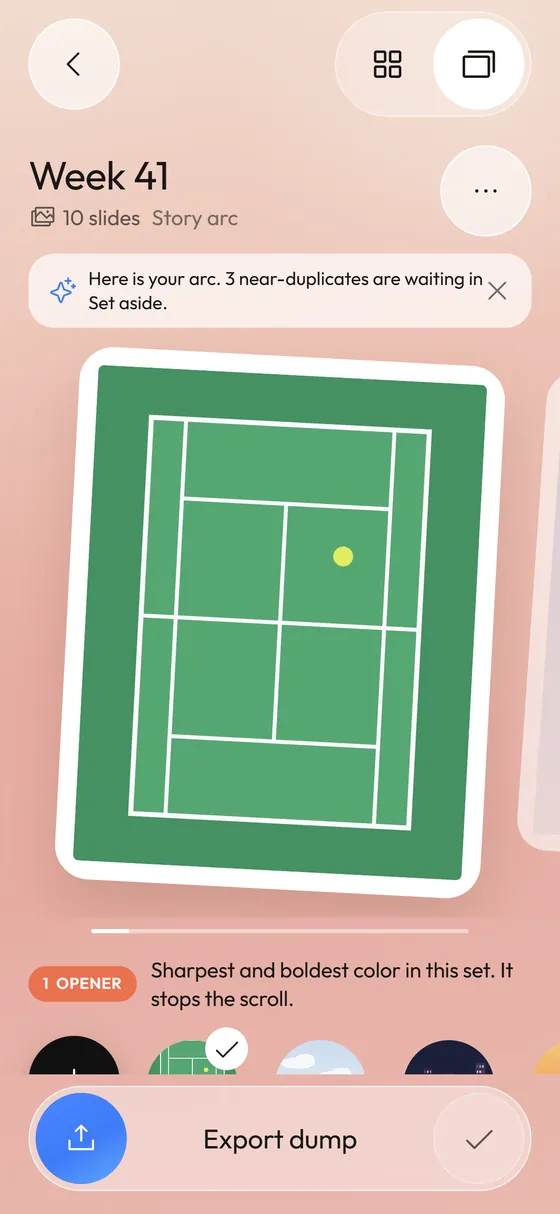 Photo Dump OrderA story-arc order with a reason for every slide.What Is a Photo Dump? Meaning, Examples and How to Make OneMeaning of a photo dump, what goes in one, and how to make yours.Strewn SupportHow to use Strewn, plus data, purchases and contact.