 Strewn
Make a photo dump in the right order, from your iPhone
Strewn turns the 10 to 60 photos you pick into a photo dump carousel with an opener, a breather, one loose shot on purpose and a calm closer. It reads sharpness, light and color on the phone, folds near-duplicates, and never uploads or deletes a photo.
Coming soon to iPhone
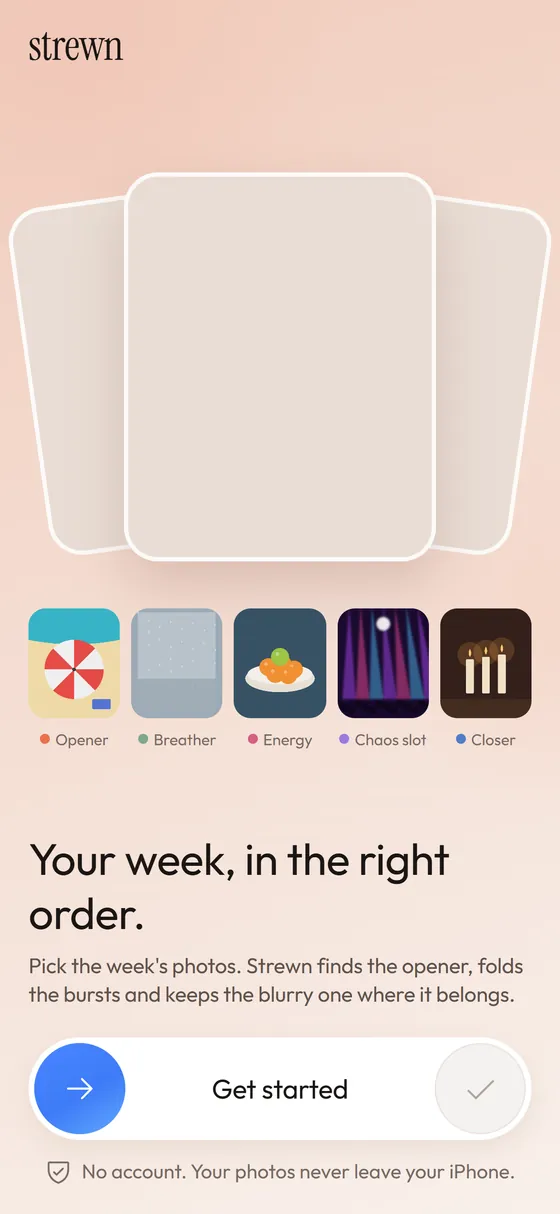
Why a photo dump takes an hour
Choosing 10 from 140 is the easy part. Putting them in an order that reads like a week instead of a spreadsheet is what eats the evening. Strewn does the first pass of that work and leaves the final say to you.
You pick the photos with the iPhone photo picker. Strewn proposes a sequence, shows the reason for every slide in plain words, and lets you swap, move or replace anything.
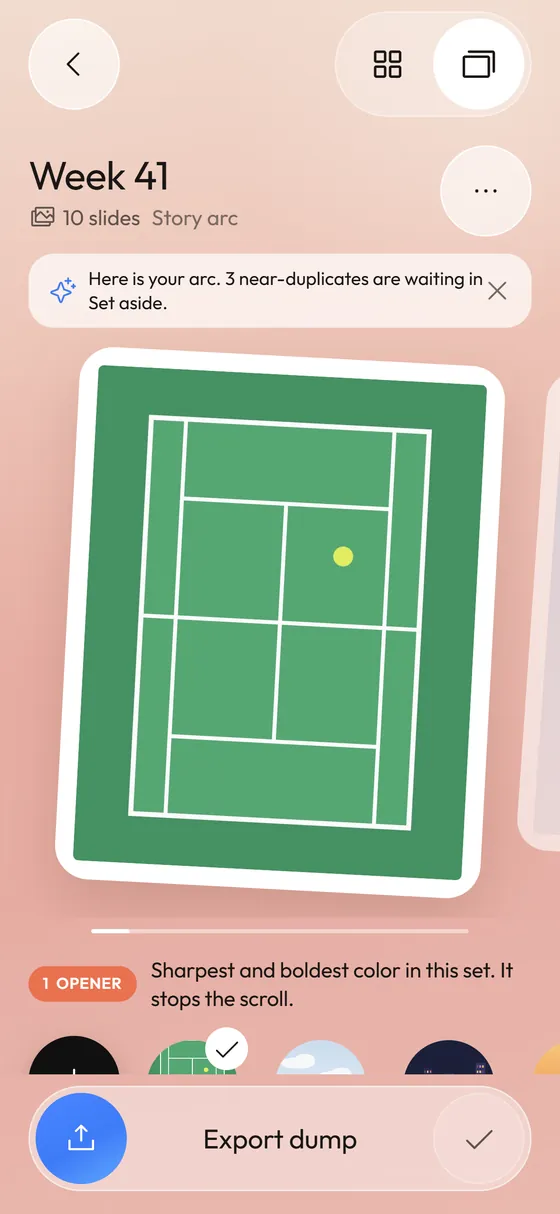
An order built on a story arc
The default vibe, called Story arc, starts with an Opener: the sharpest, boldest-colored photo of the set. A Breather follows, soft and calm, so the eye can rest. Around slide 4 sits the Chaos slot, the loosest shot, kept on purpose because dumps are not portfolios. The last slide is a warm, quiet Closer.
Details in how the photo dump order works.
Near-duplicates folded, nothing deleted
Ten frames of the same latte do not need ten slides. Strewn compares small previews, keeps the sharpest frame of each burst and moves the twins to a Set aside tray. They stay one tap away and your photo library is never touched. See bursts and the Set aside tray.
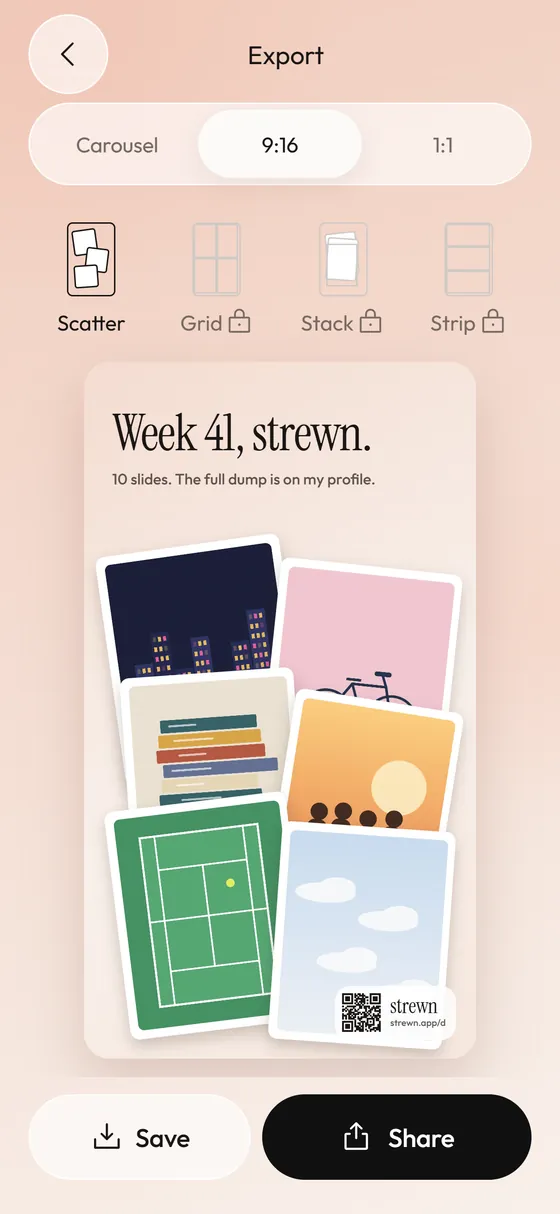
Carousel, Stories teaser, square collage
Save up to 10 slides (20 with Pro) to Photos in dump order, in one consistent 4:5 frame. Make a 9:16 teaser for Stories or a 1:1 collage, with spacing, corners and background you control. Free collages carry a small strewn mark and a QR code; the carousel slides never do.
More in exporting a carousel and collages.
A caption you write yourself
Strewn gives prompts such as three words for this week or song on repeat, and joins your lines as a list, a numbered list or one line. Nothing is generated. See captions.
A Sunday ritual instead of a chore
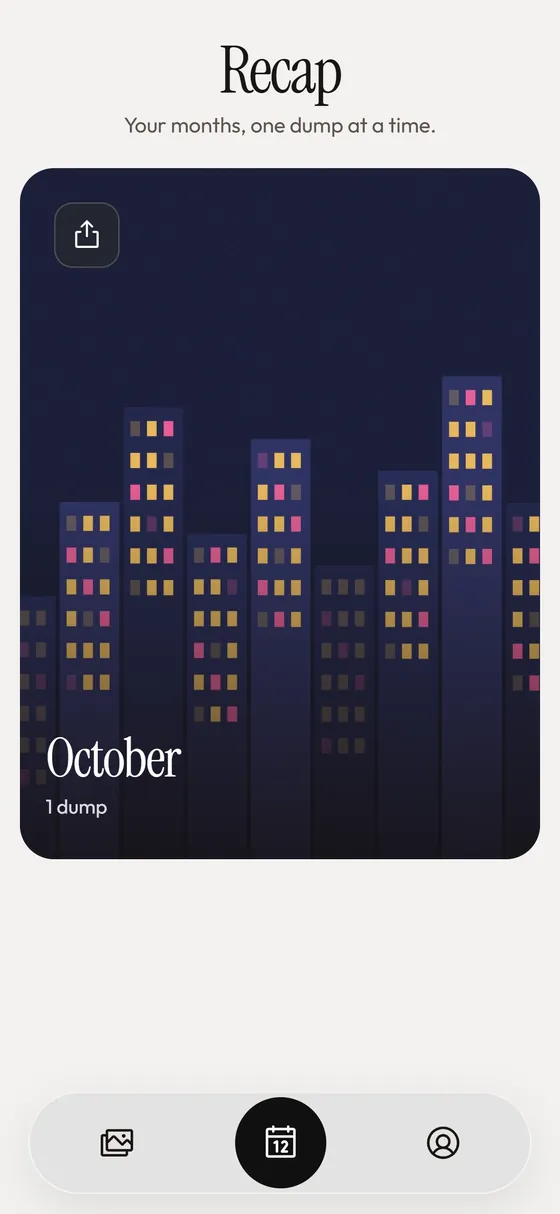
One local reminder a week, a streak of dumped weeks, an archive of past dumps and a monthly recap collage. Details in the Sunday dump.
Private by construction
No account, no analytics SDK, no tracking and no network calls of its own. The photo picker runs outside the app, so Strewn only sees the photos you choose. Read how Strewn handles photos or the privacy policy.
Frequently asked questions
What is a photo dump?
A photo dump is a casual post of many photos from a stretch of life, usually an Instagram carousel. It leans on variety and a loose, unpolished feel instead of one perfect shot. Strewn helps you order one quickly.
Does Strewn use AI?
No. It uses plain pixel math on a small preview of each photo: sharpness, brightness, color and near-duplicate checks. It does not recognize faces or content, and it does not write your caption.
Are my photos uploaded anywhere?
No. Photos stay on your iPhone. Strewn keeps resized copies in its own storage so your dumps keep working, and the only network traffic on iPhone is the purchase check through StoreKit and RevenueCat.
Does Strewn delete photos from my library?
Never. Strewn has no way to change your library. Photos left out of a dump wait in the Set aside tray inside the app.
Is Strewn free?
The app is free to download. Free covers unlimited dumps of up to 10 slides, Story arc and Timeline vibes, 4:5 frames and collages with a small mark. Pro adds more room and layouts through weekly, yearly (7-day free trial) or lifetime plans.
When is it available?
Strewn is in development and not on the App Store yet. This page will link to the store when it ships.
Keep exploring
Photo Dump OrderA story-arc order with a reason for every slide.What Is a Photo Dump? Meaning, Examples and How to Make OneMeaning of a photo dump, what goes in one, and how to make yours.Photo Dump OrderA slide-by-slide order template for a 10-photo dump.