 Strewn
The Sunday dump: reminder, streak, archive and monthly recap
Strewn schedules one local notification a week, by default Sunday at 18:00, and counts how many weeks in a row you posted a dump. Past dumps live in an archive, and the Recap tab groups them by month into a shareable 9:16 collage with Pro.
Coming soon to iPhone
How does the weekly reminder work?
During onboarding you choose a day and time, Sunday 18:00 by default, and tap Remind me. That tap is the only moment iOS asks for notification permission. The reminder is scheduled on the phone, with no server, and reads Your week is ready to strew. Turn it off any time under Me, then Sunday reminder.
If notifications are off in iOS Settings, the Sunday reminder screen shows the permission state and an Open Settings button, so you are never left guessing why it is silent.
Which days and times can I choose?
Any weekday works. The time chips are 10:00, 13:00, 18:00, 20:00 and 21:30. The defaults are Sunday and 18:00, which suits a calm end-of-weekend routine, but a Friday lunchtime reminder is just as valid if that is when you scroll your camera roll.
The notification says Your week is ready to strew, followed by Pick this week's photos and get a dump in a minute. Tapping it opens the New dump screen directly.
What counts toward the streak?
Each week with a dump adds to the streak, shown as a pill such as 3 weeks in a row on the Dumps tab and on the finish screen. The New dump screen also offers Last week, This month with Pro and Trip as periods.
Weeks run Monday to Sunday. The streak counts back from this week, or from last week if you have not made this week's dump yet, so a Monday morning does not wipe your count before you have had a chance to start. Miss a full week and the number returns to zero. The Dumps tab shows Start a streak until you have one.
What is in the archive?
The Dumps tab lists every dump as a card with its cover, title and a strip of role dots. Open one to keep editing, duplicate it as a starting point, or delete it. Deleting removes only Strewn's copies. Sort by newest or oldest.
The Data screen under Me shows how many dumps and stored copies you have and how many megabytes they use.
What is the monthly recap?
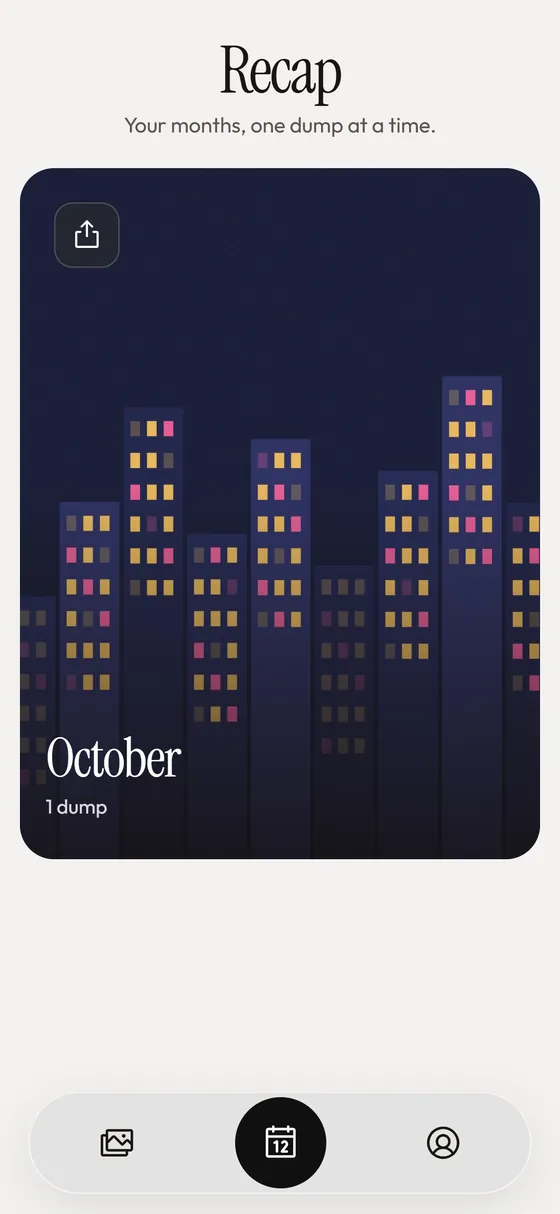
The Recap tab groups dumps by month. Open a month to see a full-bleed cover from the best opener, a dash list of dump titles and stats: dumps, photos and chaos slots. Sharing the 9:16 recap collage is a Pro feature; free users see a paywall at that tap.
How do I use the weekly loop in practice?
The loop is short enough to fit in a lunch break:
- The reminder arrives at the time you chose.
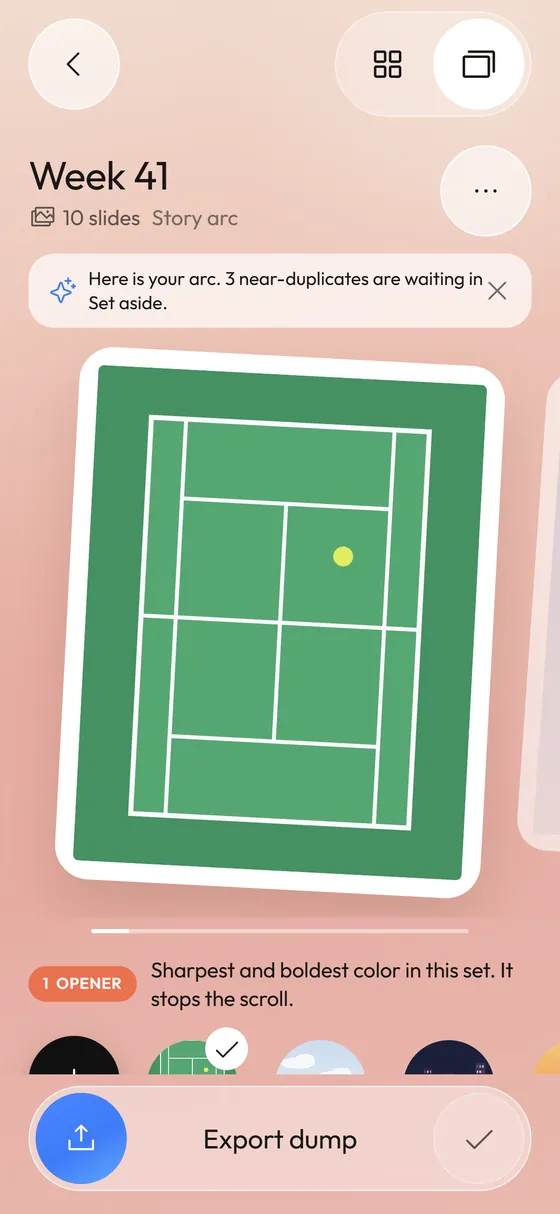
- Tap it and Strewn opens New dump with This week selected and a title such as Week 41.
- Pick the week's photos and wait for the arc to appear.
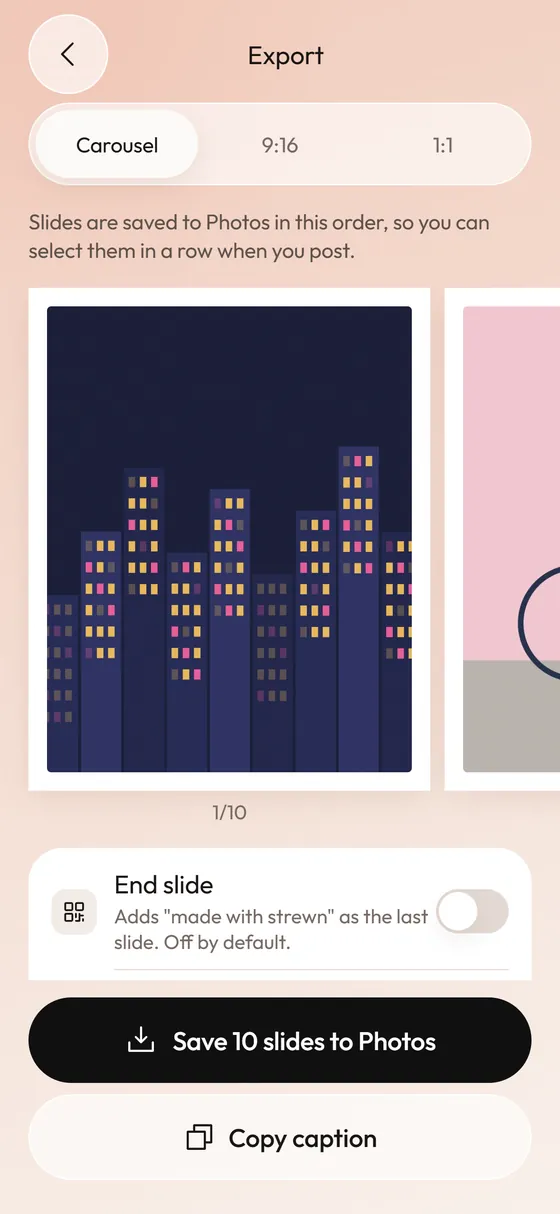
- Fix what feels off, add a caption and export the carousel.
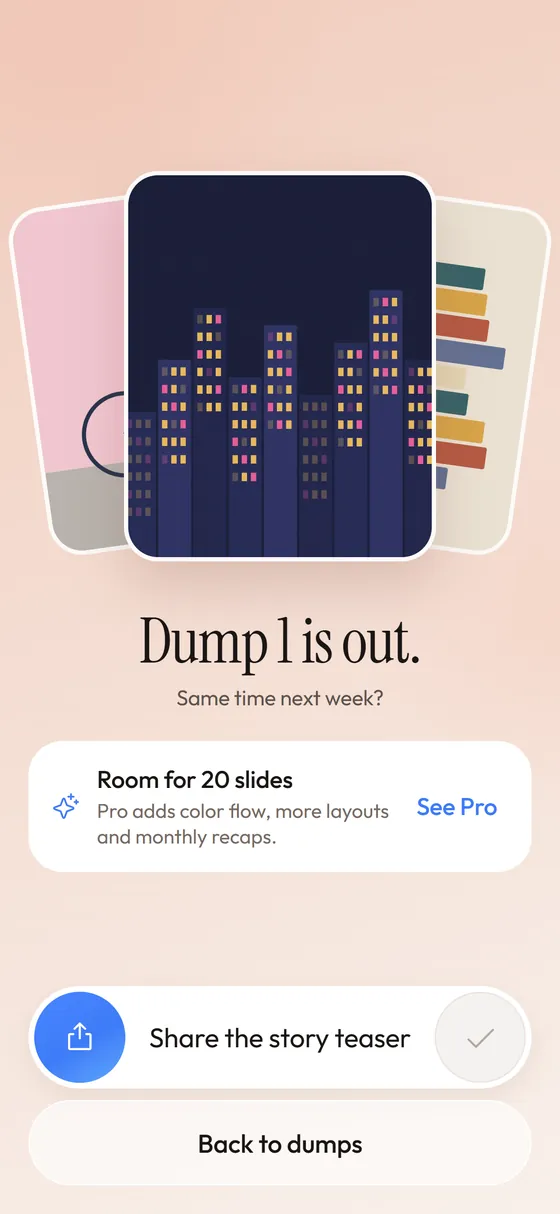
- Post it. The finish screen says Dump 12 is out and shows the weeks-in-a-row count.
What does the Dumps tab show on a quiet week?
Until you make a dump, the This week card turns into a Sunday dump card. It says how many days are left to Sunday, or It is Sunday. Good day for a dump, and a Start button opens the picker. Once a dump exists for the week, the card shows its cover, its title and whether it has been exported. If it has not, the button reads Finish and export, so a half-done dump does not slip out of sight.
What is in a month recap?
Open a month in the Recap tab and the screen fills with the cover photo of that month's newest dump. Over it sit the month's name in a serif headline, a short list of dump titles and one line of counts: dumps, slides and chaos slots. Scroll down for the 9:16 recap collage. With Pro, one tap shares it. Without Pro, the same tap opens the paywall.
The recap is built from the dumps already on the phone. It needs no extra setup and no photos are fetched from anywhere.
What are the limits?
The reminder fires weekly on one day and time, and you can have only one. The streak counts weeks that contain at least one dump, regardless of its quality or length. There is no social feed or leaderboard. Your streak is yours alone. The recap lists up to five dump titles per month on screen.
If you reinstall the app, dumps and the streak go with the old install unless an iPhone backup restores them.
Is there any other notification?
No. Strewn sends one weekly local reminder and nothing else. No marketing pushes and no server notifications. Turning the reminder off or wiping your data cancels it.
Frequently asked questions
Can I change the reminder day?
Yes. Pick any weekday and a time under Me, then Sunday reminder.
What happens to my streak if I skip a week?
The streak counts weeks in a row, so a skipped week ends it. A new dump starts it again.
Can I use Strewn for a trip or a month?
New dump offers period pills: This week, Last week, This month (Pro) and Trip.
Does the reminder work if Strewn is closed?
Yes. It is a local notification scheduled with iOS, so it fires at the chosen time without the app running.
Is the monthly recap free?
You can open and read every month recap for free. Sharing the 9:16 recap collage needs Pro.
Where do I turn the reminder off?
Under Me, then Sunday reminder, switch the weekly reminder off. Deleting all Strewn data also cancels it.