Strewn
Export a carousel, a Stories teaser and a square collage
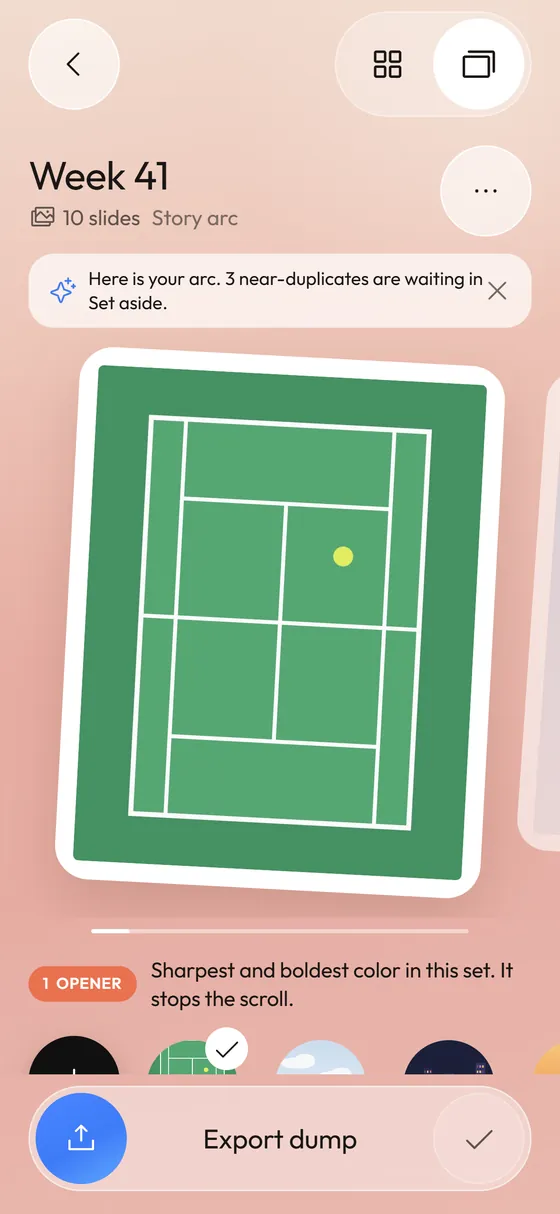
Strewn exports three things from one dump: the carousel slides saved to Photos in order at 1080 by 1350 pixels, a 9:16 Stories teaser at 1080 by 1920, and a 1:1 collage at 1080 by 1080. Layouts, spacing, corners and background are yours to adjust.
Coming soon to iPhone
What do I get when I export?
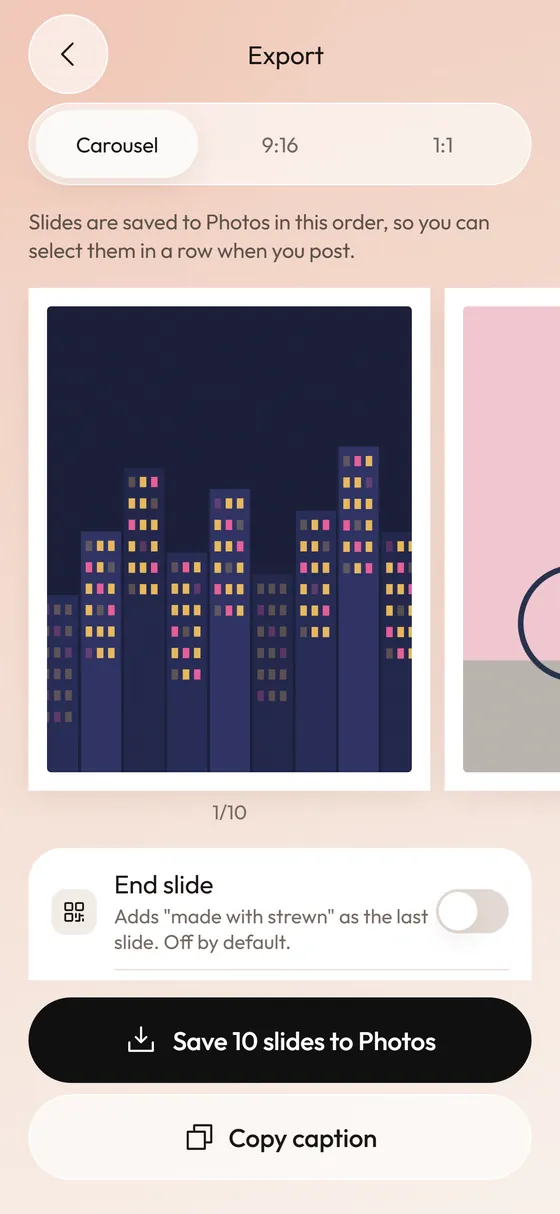
The Export screen has three formats: Carousel, 9:16 and 1:1. Carousel saves one image per slide, in dump order, so you can select them in a row when you post. The other two build a single collage image you can share or save.
Rendering happens off screen at 360 points and is captured at 1080 pixels wide, which keeps the output sharp on an iPhone screen and fits what Instagram uses.
How do I post the carousel in order?
Strewn saves the slides to Photos one by one in dump order, so the newest photos match the sequence.
- Tap Save n slides to Photos. iOS asks for add-only access at that moment.
- Open Instagram or any app with a carousel picker.
- Select the newest photos from the first slide to the last.
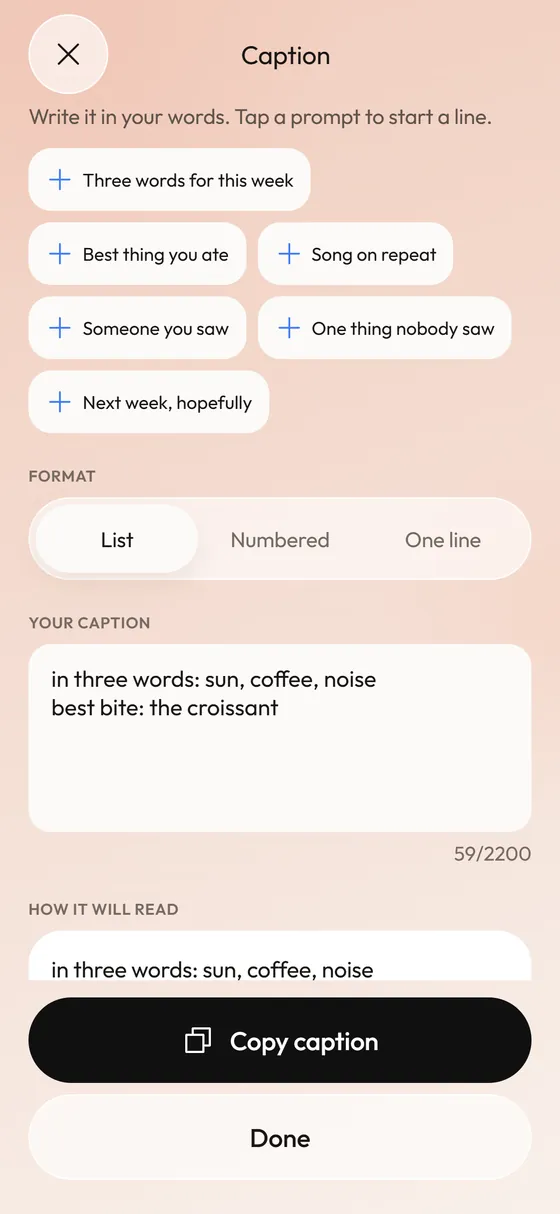
- Paste your caption from Copy caption.
What can I adjust on a collage?
Both collage formats share the same controls, saved on the dump:
- Layouts: Stack and Grid are free. Scatter, Strip and Duo are available with Pro, for four layouts per format.
- Photos in the collage: tap two to swap, Shuffle, or reset to dump order.
- Spacing: None, Thin, Medium or Wide.
- Corners: Square, Soft, Round or Pill.
- Background: Peach, White, Blush, Sage or Ink.
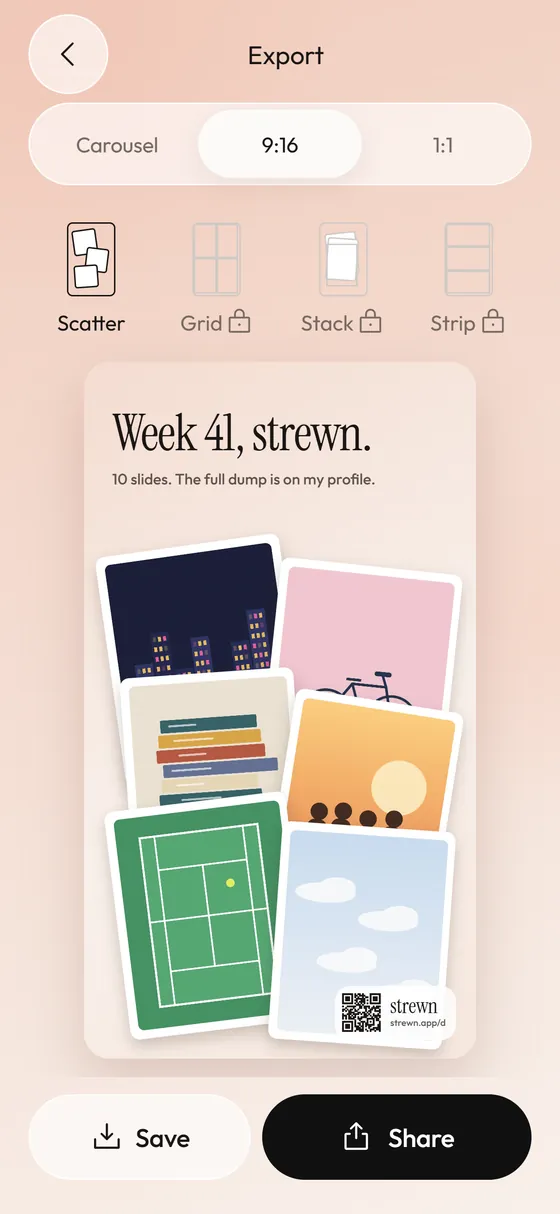
- Title: a toggle for the serif headline such as Week 41, strewn.
What is the strewn mark?
On the free plan, collages carry a small strewn wordmark and a QR code that opens strewn.app/d. Pro lets you switch it off. Carousel slides never carry a mark, because the carousel is your post. An optional end slide reading made with strewn is off by default.
The mark is the free plan's way of spreading the word, and it appears only on the teaser and collage you share. Pro removes it.
What does Pro add to export?
Up to 20 slides instead of 10, 1:1 and 3:4 frames, cream and black borders, all four layouts per collage format, collages without the mark and a monthly recap collage. Plans are weekly, yearly with a 7-day free trial, or lifetime. Prices appear in the app from the App Store in your currency.
Frequently asked questions
What resolution are the exports?
Carousel slides export at 1080 by 1350 pixels for 4:5, collages at 1080 by 1920 for 9:16 and 1080 by 1080 for 1:1.
Does Strewn post to Instagram for me?
No. It saves to Photos or opens the iOS share sheet. You post from the app you choose.
Why does saving ask for permission?
Saving uses add-only access to Photos, requested when you tap save. Strewn cannot read your library through it.
Is there a limit on caption length?
The caption field holds 2,200 characters.