 Strewn
Can you change the order of a carousel after posting?
In general, no. Instagram's edit screen lets you change the caption, tags, location and alt text, and remove a slide, but it has not offered a way to drag slides into a new order. If the order is wrong, delete and repost, ideally after previewing the sequence once.
Coming soon to iPhone
Can I rearrange slides after I post?
As far as users report and Instagram's own edit options show, reordering is not available after a carousel is live. Features change often, so open the post, tap the three dots and choose Edit to see what your version offers. If you see drag handles on the slides, use them. If you see only caption, tags, location, music or audience controls, you have your answer.
The practical advice stays the same either way: treat the order as final before you tap Share.
What can I edit on a live post?
A typical edit screen covers:
- The caption and hashtags.
- Tagged people and the location.
- Alt text for each photo.
- Whether likes and comments are visible.
- In many versions, removing a single slide from the carousel.
What should I do if the order is wrong?
You have three options, ranked by effort. Accept it if the issue is small, like two middle slides swapped. Delete and repost if the opener or the closer is wrong, since those two slots matter most. Or post a follow-up with the right order and archive the first one, which keeps likes and comments from disappearing in a delete.
Reposting loses engagement on the first copy, so decide how much the mistake bothers you. A wrong closer is rarely worth it. A wrong opener often is.
How do I avoid the problem?
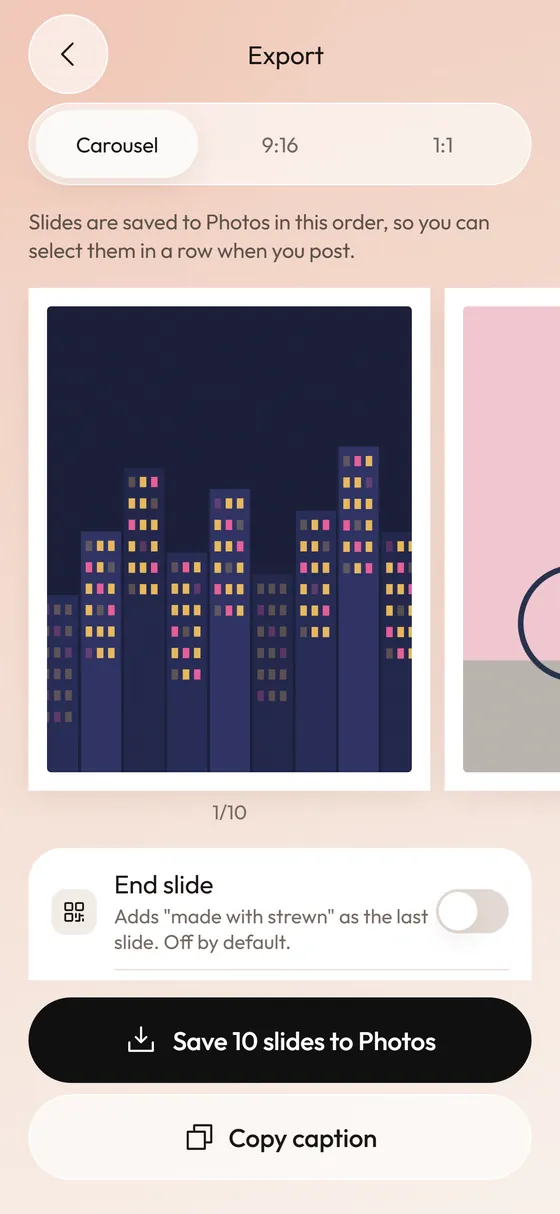
Preview the swipe in a place that does not publish. On the final screen before Share, swipe through your selected photos and check the order. Better, save them in the right order before you open Instagram. Instagram numbers photos by the order you tap them, so tapping first slide to last gives the right result. Strewn saves slides to Photos one by one in dump order, which makes the tapping mechanical.
What is the safest routine?
Follow these steps and the problem rarely shows up:
- Settle the opener and the closer first.
- Fix the single slot that feels wrong, and leave the rest.
- Save the slides to Photos in dump order.
- In Instagram, tap the newest photos from first to last.
- Check the number badges, which should read 1 to 10.
- Swipe the preview once, then share.
Why do slides sometimes land in a different order?
Usually one of three causes. You tapped a photo twice, which removed it and renumbered the rest. The images were selected from different albums, so the grid hid a few. Or the slide files were saved out of order, which happens when exports run at the same time. Strewn saves one at a time, so a long carousel takes a little longer but lands in sequence. See how to post a dump in the right order.
What does Strewn do about the second save?
If you change the frame and tap save again, Strewn writes a second set to Photos, since it cannot edit a saved slide afterward. Delete the old set once you are sure. That behavior is described on the export page. It matters here because two sets in the camera roll are an easy way to mix up the order.
Can I fix the order on a Story or a Reel?
Stories can be deleted one slide at a time, so a wrong slide is easy to remove, though you cannot slot a new one in the middle. Reels are a single video, so changing order means re-editing and reposting. The carousel is the format where order is most visible and least changeable.
How do I know which order is right?
If you are unsure, read the best photo dump order. It lays out a ten-slide template: sharp opener, breather, energy, a loose slide near the fourth position, details, more energy and a warm closer. Getting the opener and closer right solves most order regrets.
Should I post at a quiet hour while testing?
Some people post a draft to a private test account or to Close Friends first. That works as a safety net, but be careful about habits that expose private photos. A simpler approach is the swipe preview on the final screen, which costs nothing and publishes nothing.
Frequently asked questions
Can you change the order of photos on an Instagram post after posting?
Not that Instagram's edit options have offered. Check the Edit screen on your version, and repost if you need a different order.
Can I delete one photo from a carousel?
In many versions, yes. Open Edit and remove a slide. You cannot add a new one in its place.
What is the best way to get the order right?
Decide the opener and closer first, tap photos from first to last and preview the swipe before sharing.
Will reposting lose likes?
Yes, the new post starts fresh. Archive instead of delete if you want to keep the old one.
Does Strewn change the order inside Instagram?
No. It saves slides in dump order to Photos so you can tap them in sequence. It does not post for you.
Keep exploring
How to Post a Photo Dump on Instagram in the Right OrderA short routine for posting a carousel in the order you planned.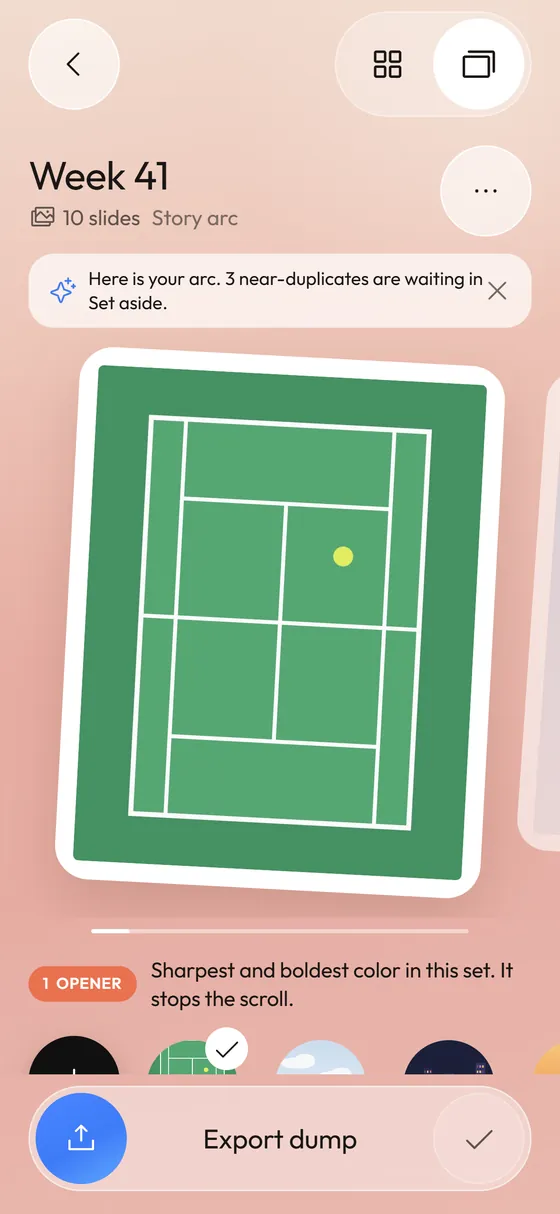 Photo Dump OrderA slide-by-slide order template for a 10-photo dump.
 How Many Photos Can You Post on Instagram at Once?The carousel limit, why yours may still be 10 and how long a dump should be.Photo Dump Carousel and Collage Export for StoriesCarousel slides, a 9:16 teaser and a 1:1 collage.