 Strewn
How many photos can you post on Instagram?
Instagram allows up to 20 photos or videos in one carousel post, up from 10 before 2024. The change reached accounts gradually, so some people still see a limit of 10. If your picker stops at 10, update the app and try again. Ten slides remains a strong length.
Coming soon to iPhone
What is the current limit?
Up to 20 items in one carousel post, mixing photos and videos if you want. Before the change, the cap was 10. Instagram rolled the larger limit out in stages, so two people in the same room could see different numbers. The Instagram article on Wikipedia gives the broader history of the app.
If you are asking about Stories, the limit works differently: each Story slide is a separate item and you can add many in a row. This page covers feed carousels.
Why can I only select 10 photos?
Three reasons explain most cases:
- Your account has not received the 20-item rollout yet.
- The Instagram app is out of date, so the picker uses the old limit.
- You are posting a type of content that has its own cap, such as a draft or a collaboration post.
How do I check and fix it?
Try these steps in order:
- Open the App Store and update Instagram.
- Force close the app and reopen it.
- Start a new post, tap the multi-select icon and try selecting an eleventh photo.
- If it still stops at 10, post the first 10, and put the rest in a second post or a Story.
- Wait a few days. Rollouts like this one reach the remaining accounts over time.
How long should a photo dump be?
Ten is a comfortable length, and it works on every account. A longer carousel gives you more room, but viewers drop off with each swipe. Many dumps are better at seven to twelve. The length guide goes through how to decide.
Treat 20 as a ceiling, not a target. If you have twenty great photos, split them: a main dump and a follow-up with the outtakes.
How does Strewn handle the limit?
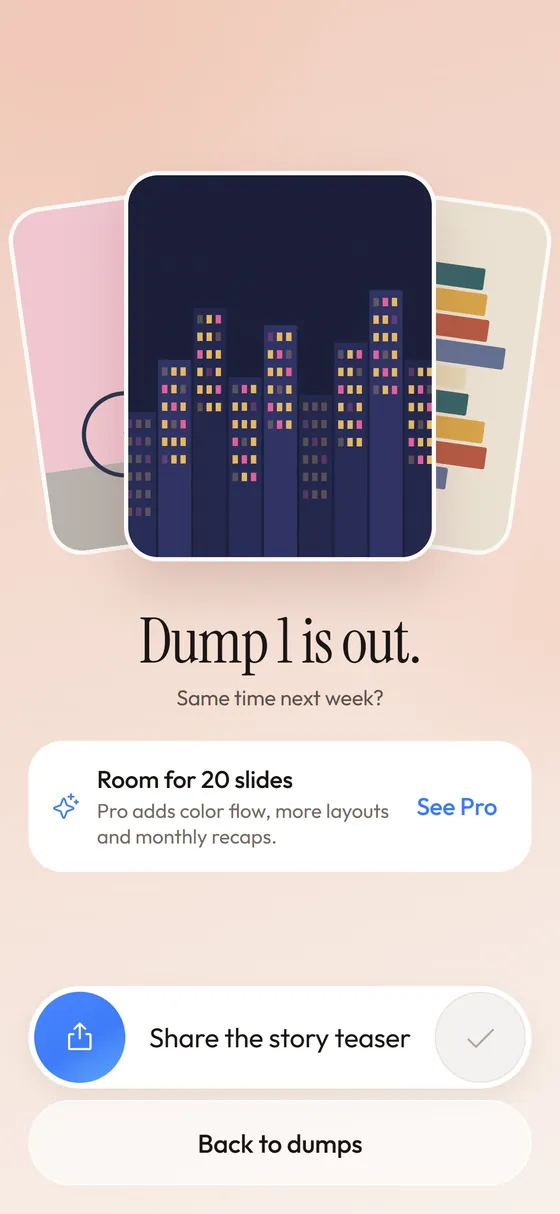
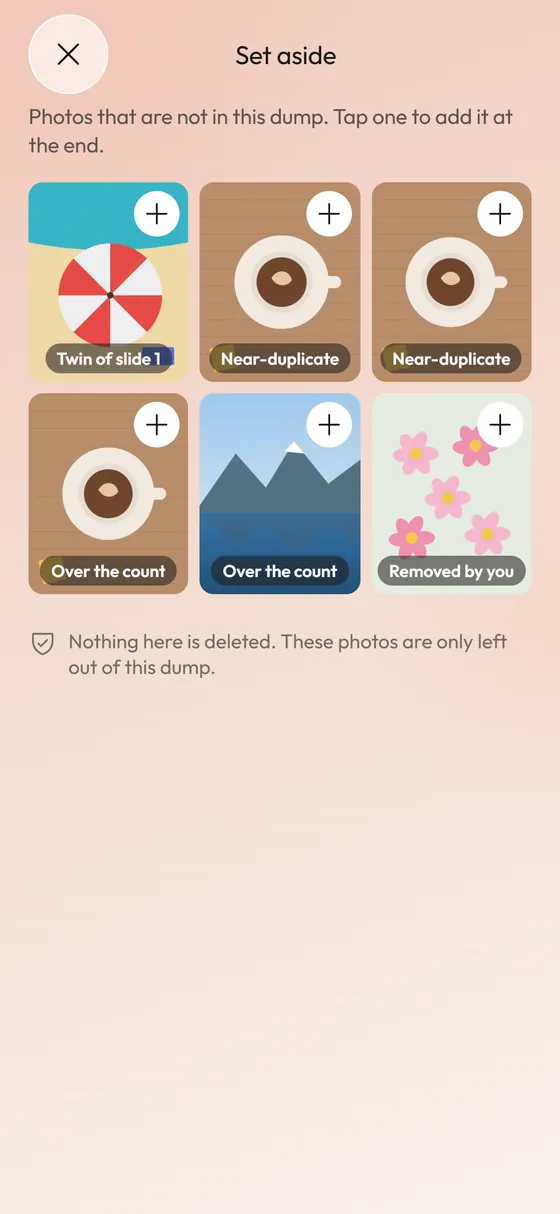
Strewn caps dumps at 10 slides on the free plan and 20 with Pro, so a Pro dump can fill the full length. You pick 10 to 60 photos, and Strewn selects the slides from them. Photos beyond the slide count wait in the Set aside tray marked Over the count, so nothing is lost.
If your Instagram account only accepts 10, a free dump matches it exactly.
What if I have more photos than slides?
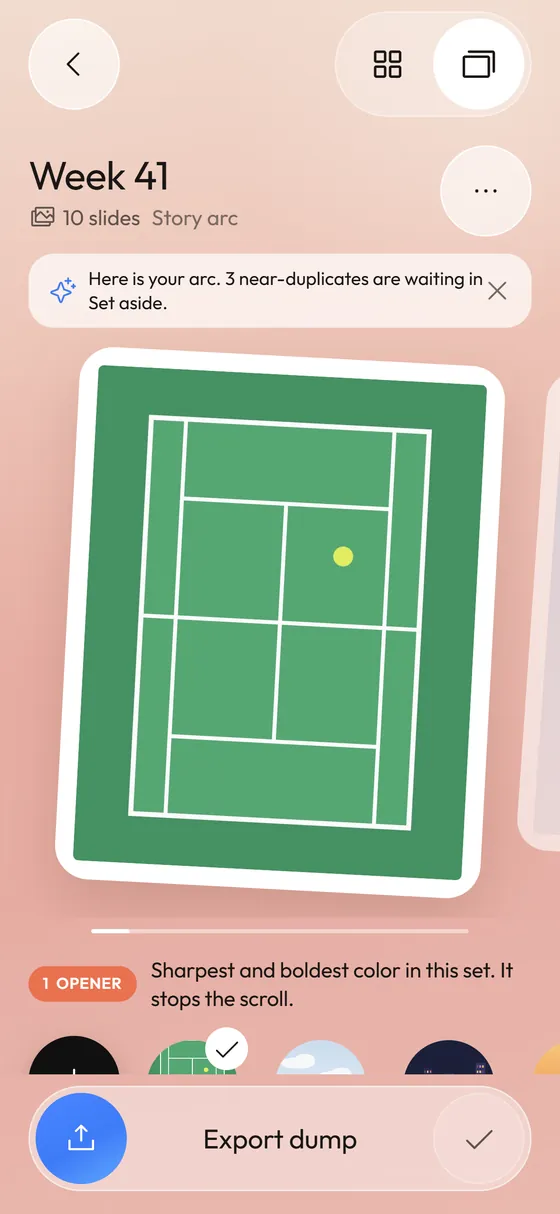
That is the normal case. Strewn takes the opener, the closer and the chaos slot first, then fills the middle by an interest score of sharpness, saturation and contrast, with a small penalty for photos that look like ones already chosen. That keeps variety high. Duplicates and bursts are folded first.
Can I add a photo after posting?
Instagram lets you edit some parts of a post after it is live, but the set of photos is not something you should count on changing. Plan the full dump before you post. See whether you can change the order.
Is a longer carousel better for reach?
There is no guarantee. Some creators report that later swipes get shown again to people who skipped the post, but nobody outside Instagram can verify how often. Choose length by how your content reads, not by a rumor about the feed.
What is the history of the carousel limit?
Instagram introduced multi-photo posts in 2017 with a cap of 10 items. The cap stayed there for years, and a whole style of posting grew up around it, including the photo dump. When the limit rose to 20 in 2024, many creators noticed that the extra ten slides changed how dumps are built: longer trips, full-event recaps and outtake rounds suddenly fit in a single post.
The cap is a product choice by Instagram, so it can move again. Plan for a flexible length, and do not hard-code 20 into your habits.
Does the limit apply to photos and videos together?
Yes. The count is for all items, whether they are photos, videos or a mix. A carousel of 12 photos and 8 short clips reaches the ceiling just as 20 photos would. Videos make the post heavier to load, so a mixed carousel on a slow connection can feel slower to swipe.
Strewn works with photos only. If you want a clip in the middle, post the dump from Strewn's saved slides and add the video in Instagram's own picker.
How do I select photos in the right order?
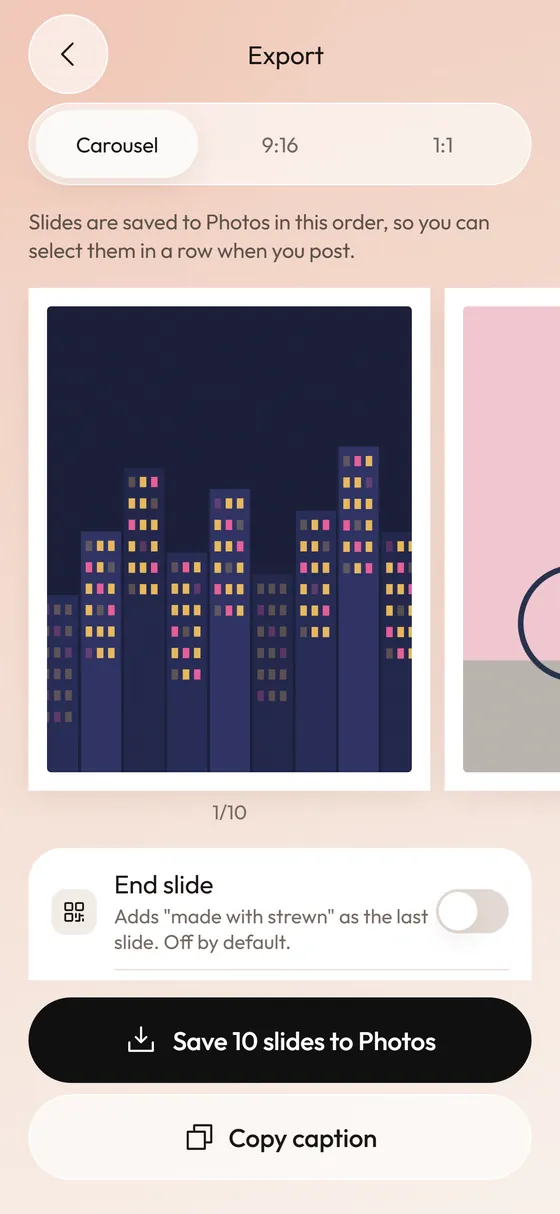
Instagram numbers photos in the order you tap them. Tap the first slide first, and keep going until the last. That is the part Strewn tries to make mechanical: it saves slides to Photos one by one in dump order, so the newest photos match the sequence, and you select the newest photos from the first slide to the last when you post.
Before you tap, confirm the count. A badge on each selected photo shows its number. If a number looks wrong, tap the photo to deselect it and the numbers renumber.
What should I do when the picker refuses an eleventh photo?
Do not fight it. Split the content in a sensible way. Post a ten-slide main dump and use the extra photos for a second post a day or two later, or use them in a Story. A follow-up with the outtakes often performs as a nice bonus for people who liked the first.
Another option is to cut. If you have eleven good photos, one of them is probably a near twin of another. Folding bursts and similar shots, which Strewn does automatically with a cautious threshold, usually gets you under ten without losing anything you would miss.
Does the limit affect Reels or Stories?
Different formats have different rules. Reels are a single video and can hold photos only as part of the edit. Stories take one item per slide and you can chain many. The carousel limit applies to feed posts. When people ask how many photos Instagram allows at once, they almost always mean the feed carousel.
What about TikTok and other apps?
Each app sets its own cap. TikTok photo posts have had their own limit, which has changed over time, so check the app before building a longer set. See the TikTok guide.
Frequently asked questions
How many photos can you post on Instagram at once?
Up to 20 in one carousel, though some accounts still see 10 while the rollout completes.
Why can't I post 20 photos on Instagram?
Your account may not have the update yet, or your app is out of date. Update Instagram and retry, or post in two parts.
Is 10 or 20 slides better for a photo dump?
Ten is a safe default. Use more only if every extra slide adds something new.
How many slides can Strewn make?
Up to 10 on the free plan and up to 20 with Pro.
What happens to photos that do not fit?
They wait in Strewn's Set aside tray marked Over the count. Your photo library is not touched.
Keep exploring
 Instagram Carousel Size and Aspect Ratio in 2026Pixel sizes for 4:5, 3:4 and 1:1 carousels and how to avoid surprise crops.
 How Many Photos Should a Photo Dump Have?Six to twelve slides, with ten as the default, and when to stretch.
 Duplicate Photo Finder for DumpsBursts become one slide; twins wait in Set aside.Strewn PricingFree: unlimited 10-slide dumps. Pro: 20 slides, more vibes, frames and layouts, no mark, monthly recap.