 Strewn
How to post a photo dump on Instagram
To post a photo dump on Instagram, choose Post, tap the multi-select icon, and tap the photos from first slide to last, since the numbers show the order. Prepare the frame and caption beforehand so you are not rearranging inside the app.
Coming soon to iPhone
What are the steps?
The posting flow on Instagram is the same for any carousel:
Doing the prep outside Instagram saves the most time. Decide the order, write the caption and save the slides before you open the app.
- Tap the plus button and choose Post.
- Tap the multi-select icon (two stacked squares).
- Tap the photos in the order you want, first slide first. A number appears on each.
- Tap Next, add edits if you want, then write the caption.
- Check the preview by swiping through, then share.
Why does the order go wrong?
Instagram numbers photos in the order you tap them. If you tap in a different order than the one you planned, slides land in the wrong place. Most mix-ups come from photos sitting in Recents in a different order than the plan.
The fix is calm preparation. Open the picker, confirm the first slide is the one you tapped first, and scroll through the numbered thumbnails before you move on.
How do I make the order easy to tap?
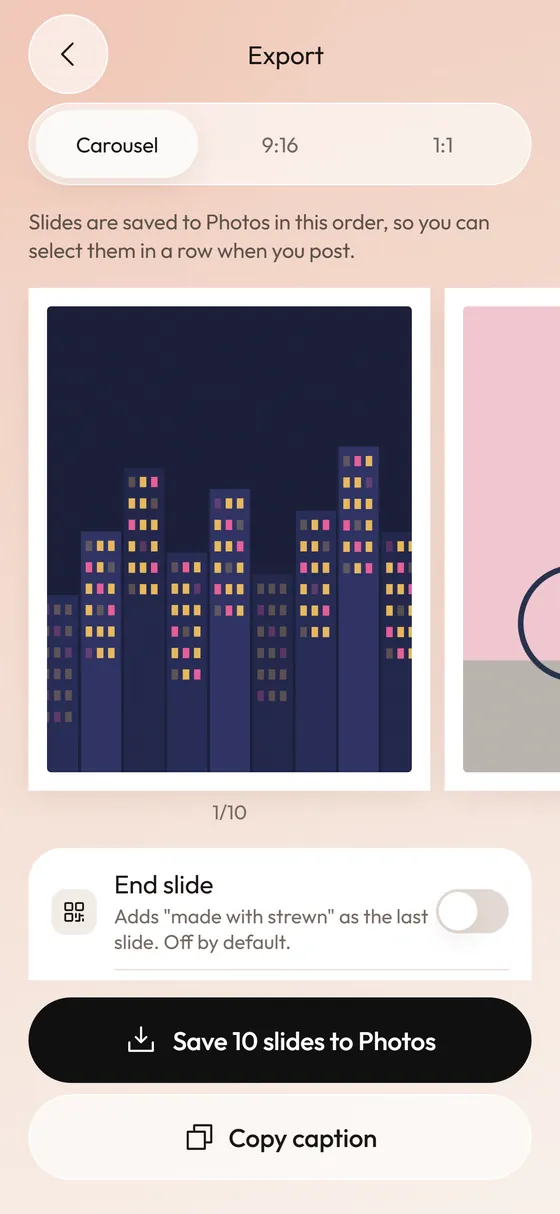
Save the slides to your camera roll in dump order, so the newest photos match the sequence. Strewn does this in one tap: Save n slides to Photos writes the slides one by one, so you select the newest photos from the first slide to the last. See the export step.
What if the slides land in the wrong order?
- Tap Back in the post flow and return to the picker.
- Deselect a slide by tapping its number, and the numbers shift up.
- Tap the slides again in the order you planned.
- Swipe through the preview before you continue.
- If it still looks wrong, close the post, check the order of the newest photos in your camera roll and start again.
What size should slides be?
A 4:5 portrait at 1080 by 1350 pixels fills the most screen in the feed. A carousel uses one ratio for all slides, set by the first. Strewn exports every slide in one frame (4:5 free, 1:1 and 3:4 with Pro) with a border, so no slide is cropped differently from the others.
If your photos come in mixed shapes, a matte border keeps them inside the same frame without cutting heads off. Strewn offers white on the free plan and cream or black with Pro.
How many slides can I post?
A carousel allows up to 20 photos and videos. Ten is a comfortable length, and Strewn's free plan builds dumps up to 10 slides, with 20 on Pro.
What about a Stories teaser?
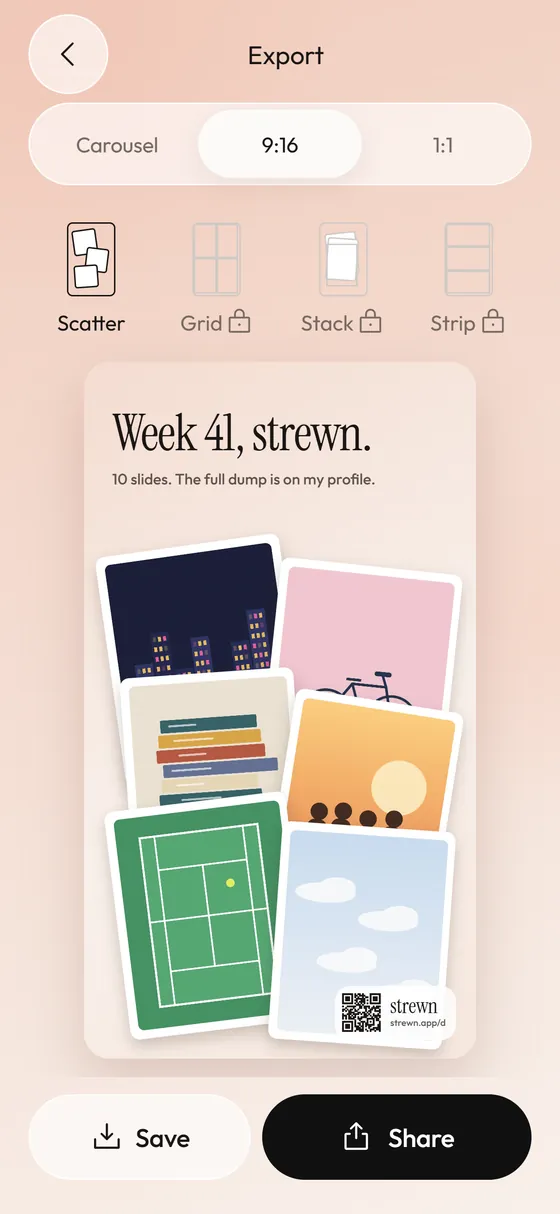
After you post, a 9:16 teaser tells followers the dump is up. Strewn builds one from four to six photos, with a small strewn mark and QR on the free plan, and you add any link sticker yourself in Instagram.
Any caption tips?
Keep it short and in your voice. A list of three words or a few numbered lines suits a dump. Write it before you open Instagram and paste it in. Strewn has prompts and a Copy caption button for exactly this, covered in captions.
Posting time is a separate question, and the app cannot answer it for your audience. Post when you normally post and keep the routine regular, for example Sunday evening.
Frequently asked questions
How do I choose the order of photos in an Instagram carousel?
Tap the photos in the order you want them. Instagram numbers them as you tap, and the numbers are the slide order.
Can I rearrange slides after I start posting?
You can remove and re-add slides in the picker, but it is easier to plan the order beforehand.
Why are my carousel photos cropped?
The first slide sets the ratio for the carousel, and slides with other ratios get cropped. A single frame for every slide avoids that.
Can Strewn post to Instagram directly?
No. Strewn saves slides to Photos or opens the share sheet, and you post from the app you choose.
Keep exploring
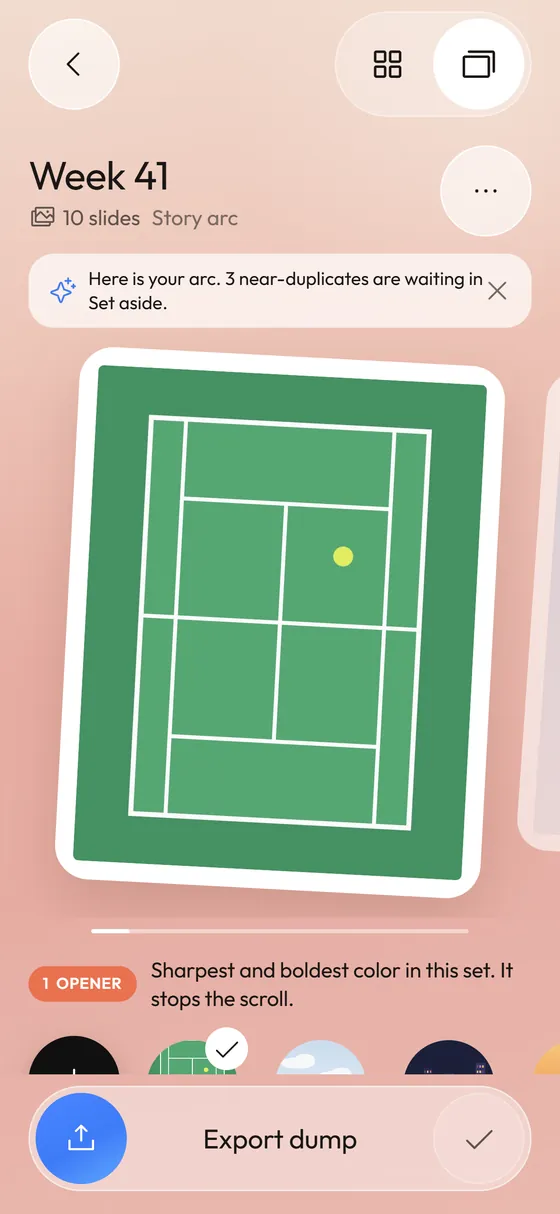 Photo Dump OrderA slide-by-slide order template for a 10-photo dump.Photo Dump Carousel and Collage Export for StoriesCarousel slides, a 9:16 teaser and a 1:1 collage.
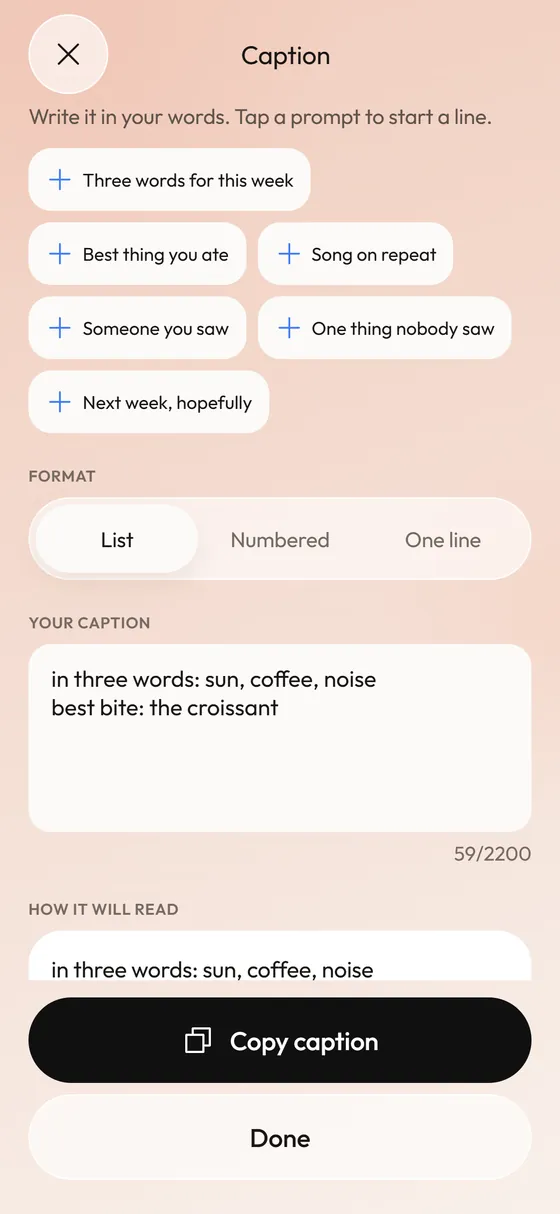 Photo Dump CaptionsCaption formats and prompts that start fast.
 What Is a Photo Dump? Meaning, Examples and How to Make OneMeaning of a photo dump, what goes in one, and how to make yours.