 Strewn
How to add music to an Instagram carousel
Instagram lets you attach a song to a photo carousel on the last screen before you share. Select your photos, tap Next through the edit screen, then tap Add music, choose a track and a clip of it, and share. If the option is missing, update the app and check your account type.
Coming soon to iPhone
Where is the Add music option?
Start a new post from the plus button, select your photos in order, and tap Next. On the screen where you can apply filters and edits, tap Next again. The final screen has the caption, tags and location, and near the top of that flow Instagram shows an Add music row. Menus move around between versions, so if you do not see the row, look for a music note icon on the edit screen as well.
The track plays while viewers swipe through the post. It is attached to the whole carousel, not to a single slide.
How do I do it step by step?
Here is the usual sequence:
- Prepare your slides first, in order, and save them to Photos.
- Open Instagram, tap the plus button and choose Post.
- Tap the multi-select icon, then tap photos from first to last.
- Tap Next, adjust edits if you want, and tap Next again.
- Tap Add music, search or browse, and tap the track you want.
- Drag the slider to pick the part of the song that plays, then tap Done.
- Write the caption and share.
Why is the Add music option missing?
Several reasons are common. Your app may be out of date, so update it in the App Store. Music is a feature that depends on region and on account type, and business accounts often see a smaller catalog because of licensing. Some tracks are unavailable in certain countries. Restarting the app helps now and then.
If the row never shows up on your account, you can still add a sound to a Story or a Reel, which have broader music tools.
Which part of the song should I use?
Pick a section that matches the pace of your swipe, not the best part of the song. Viewers move through ten slides in maybe fifteen seconds, so a short loop of a chorus or an instrumental bar suits a dump. A slow verse over busy photos feels mismatched, and a loud drop over calm photos does the reverse.
The sound has a mood. Warm acoustic tracks work with golden-hour dumps and summer trips. Fast beats suit nights out and city weekends. Choose after your order is set, since the mood of the closer matters.
How does the order of slides relate to the sound?
If you want slides to feel timed, think of the clip in four rough beats and place your opener on the first, the loose frame on the third and the closer on the last. You do not need to match to the second. A rough match already makes the post feel put together.
Strewn sets the order with the usual roles: Opener, Breather, Chaos slot and Closer. Pick the song after you see the arc, and you will know which section of it fits. See the order guide for the full template.
Does Strewn add music?
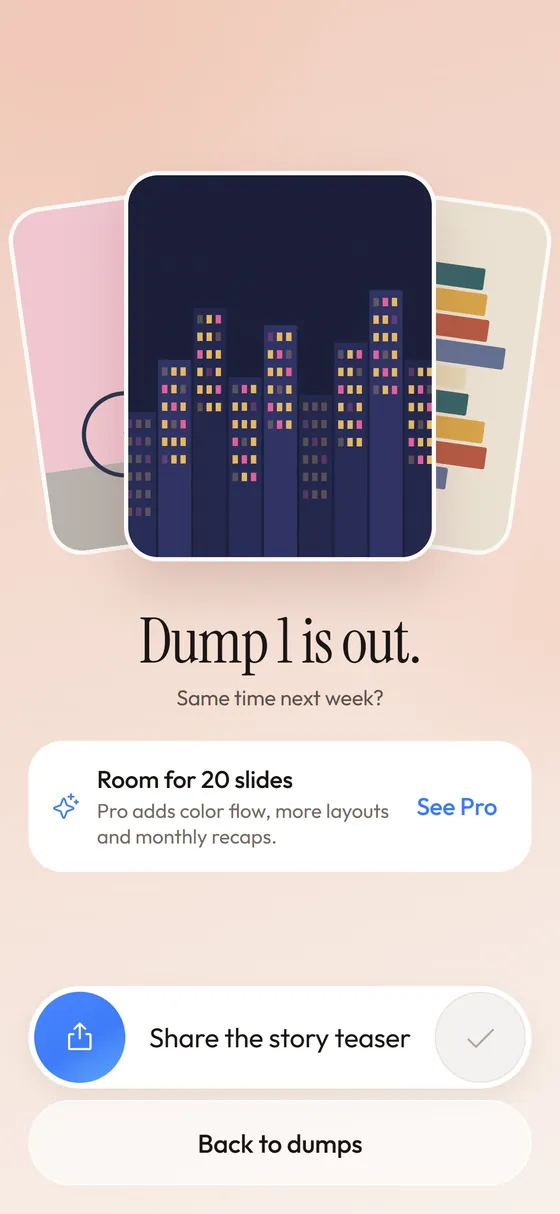
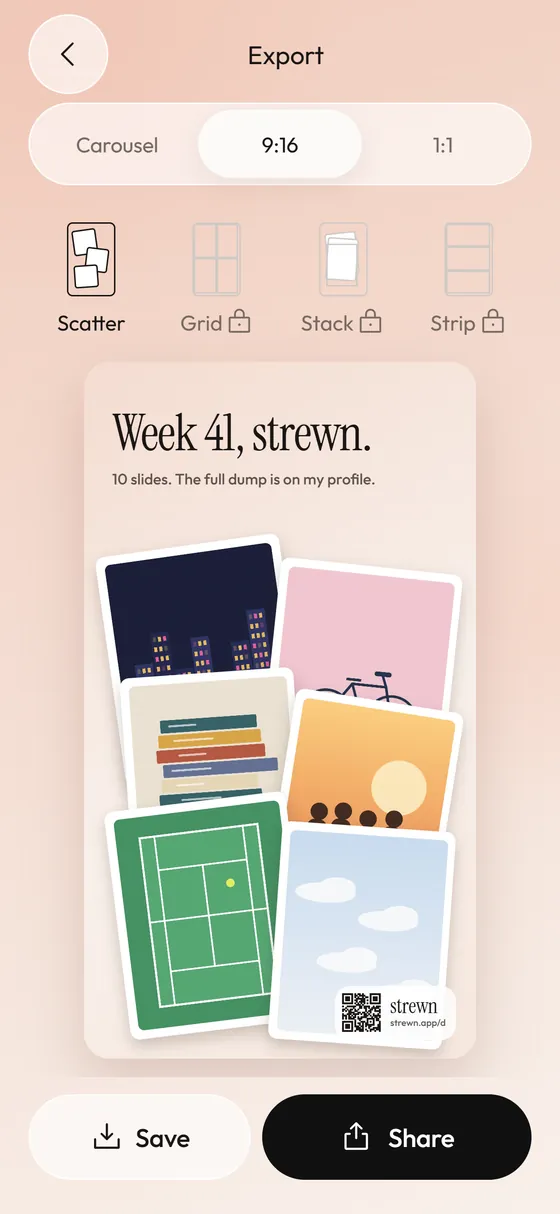
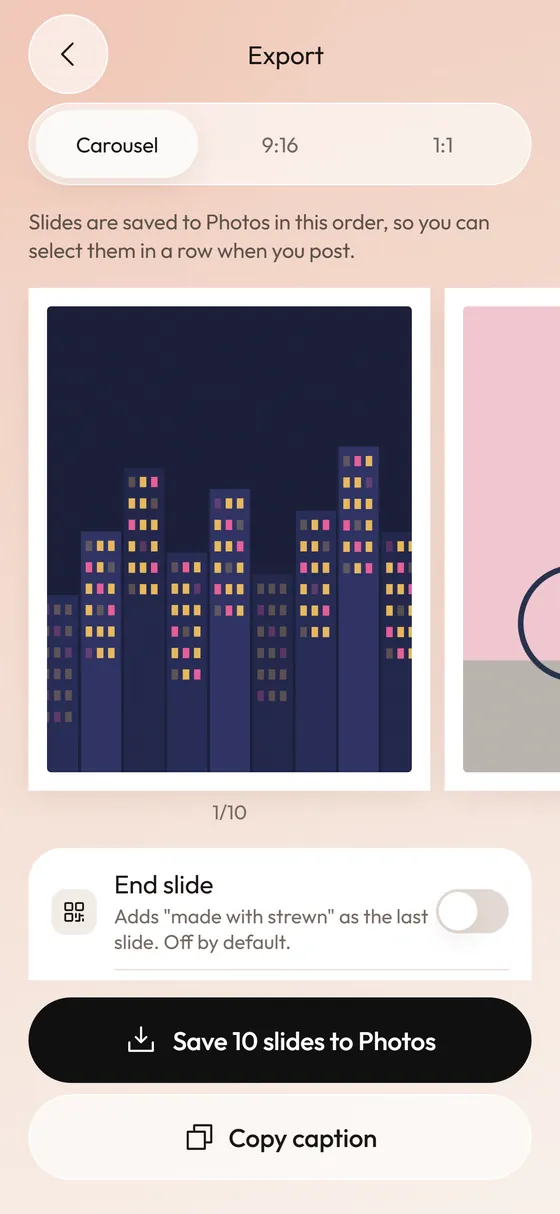
No. Strewn does not add sound to anything. It picks and orders photos, adds your caption, and saves slides or collages. Music is added inside Instagram or TikTok at the posting step. Strewn is in development and not on the App Store yet.
One caption prompt in Strewn is Song on repeat, which adds a short line starter so you can name the track instead of attaching it.
Can I add a song to a carousel after posting?
Instagram's edit screen for an existing post covers a limited set of changes, and music has not been among the options people can rely on. If you forgot to add music, you may have to delete and repost. That is a good reason to preview the swipe with the sound before you share. The related question about order is covered in changing carousel order after posting.
What are the copyright limits?
Instagram's music library is licensed for use inside the app, which is why in-app tracks are safer than uploading a song of your own. If you add a song to a video outside Instagram and upload it, the platform may mute or flag it. A short background track chosen from the in-app library avoids that.
For general background on how rights work in music, copyright is a broad topic, and each platform's terms apply to your post.
What if I want a video instead?
If the sound matters more than the photos, turn the dump into a Reel or a TikTok slideshow. Photos on a beat edit give you control of timing that a carousel does not. The tradeoff is that a carousel lets viewers set their own pace and stay on a slide they like. Decide which experience you want before you start.
For TikTok, see the photo dump TikTok guide.
What mistakes should I avoid?
Skip these:
- Choosing the song before the photos and then forcing the order to fit.
- Picking a quiet part that cannot be heard on a phone speaker.
- Using music with lyrics that clash with the caption.
- Forgetting to check the sound level when the viewer's phone is on silent.
- Adding music to a post meant to be read slowly.
Frequently asked questions
How do I add music to an Instagram carousel?
Select your photos, tap Next through the edit screen, then tap Add music, pick a track and clip, and share.
Why can't I add music to my photo post?
Update the app, check that your account type and region support music, and restart Instagram.
Can I add music after posting?
Usually not through the edit screen. You may need to delete and repost with the sound added.
Does Strewn add music?
No. Strewn orders photos and exports slides. Music is added in Instagram or TikTok.
Can one song play across all slides?
Yes. The track attaches to the whole carousel and plays as viewers swipe.
Keep exploring
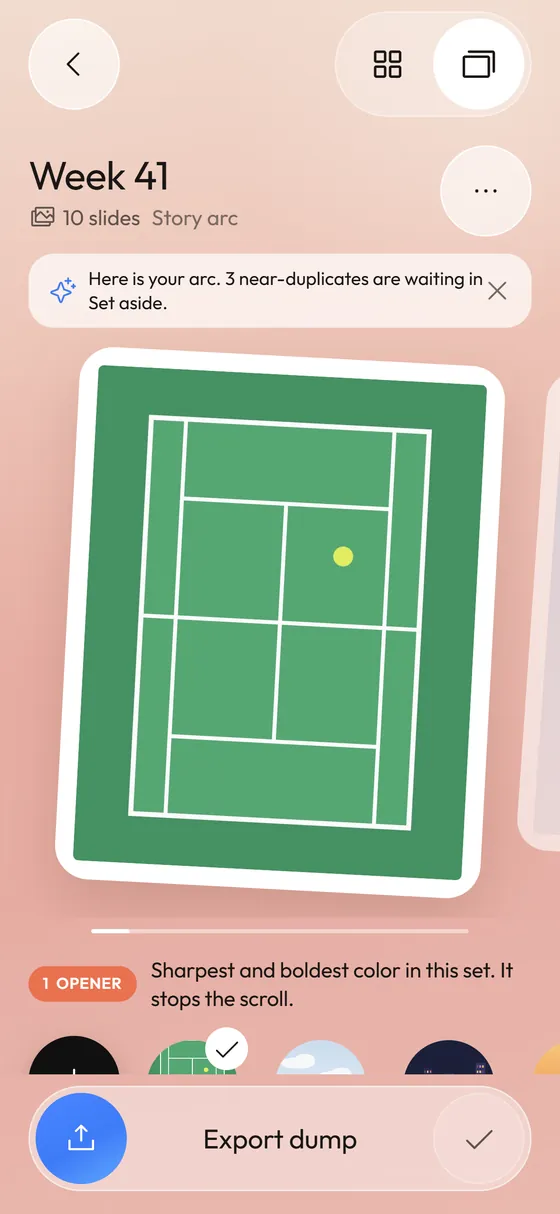 Photo Dump OrderA slide-by-slide order template for a 10-photo dump.
 TikTok Photo DumpOrder your photos on iPhone, then post them as a swipeable TikTok photo post.
 How to Post a Photo Dump on Instagram in the Right OrderA short routine for posting a carousel in the order you planned.
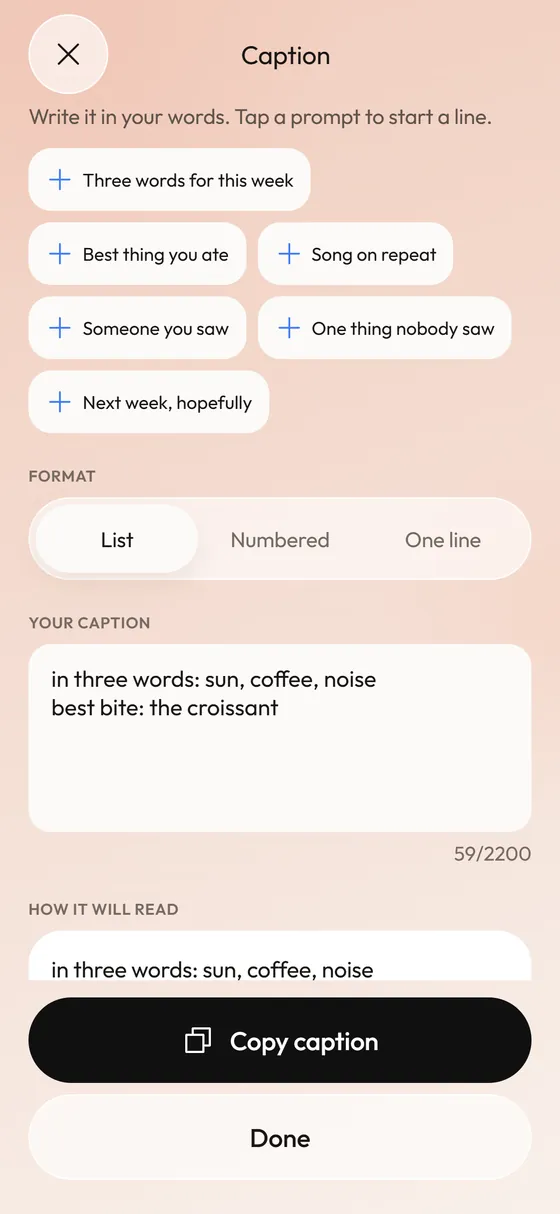 Photo Dump CaptionsCaption formats and prompts that start fast.