 Strewn
How to post a photo dump on TikTok
A TikTok photo dump is a photo post that viewers swipe through, usually with a sound on top. Pick the photos, order them with an opener and a calm closer, save them to your iPhone, then choose them in TikTok's photo post flow in the same sequence and add your sound.
Coming soon to iPhone
What is a photo dump on TikTok?
It is a post made of still photos instead of one video, shown full screen and swiped by the viewer, with an audio track playing behind it. The idea is the same as on Instagram, a casual sample of your week, but the format leans vertical and the sound carries more of the mood. The TikTok platform has supported photo posts for a few years, and many dumps reuse trending sounds.
If you need the base definition first, what a photo dump is explains the style and where it came from.
How do I make one step by step?
The workflow from iPhone camera roll to a finished post has six steps:
- Choose 8 to 15 photos from the week. Vertical photos fill a TikTok screen best.
- Decide the order: strong opener, a calm second slide, one loose frame around slide 4, a warm closer.
- Save the photos in that order, so the newest items in your gallery match the sequence.
- Open TikTok, tap the plus button and choose the photo option, then select the photos from first to last.
- Add a sound that fits the mood and a short caption.
- Preview the swipe, check slide 1, then post.
Which photos work best on TikTok?
Tall frames. The TikTok screen is a tall 9:16 rectangle, so vertical photos fill it and landscapes leave bars. If you shoot landscapes, keep them for the middle of the set and let verticals open and close the post.
Faces and bright color help the first slide stop a thumb. Text-heavy screenshots hold attention for less time because viewers have to read them, so use one at most.
What order works for TikTok?
The same arc that works on Instagram works here. Open with the sharpest, boldest photo, rest the eye with a soft one, add the loose slide in the middle, and finish warm and quiet. The difference is pace. Viewers on TikTok swipe faster, so slides should read in a second. Avoid fine detail and small text.
The order guide gives a slide-by-slide template, and it holds for ten slides or fewer.
How does Strewn help with this?
Strewn does the ordering and the saving. You pick 10 to 60 photos, Strewn reads sharpness, light and color on your phone and proposes a story arc with a reason for each slide. When you export the Carousel, it saves one image per slide to Photos in dump order. Those are 4:5 slides on the free plan, and Pro adds 1:1 and 3:4. They are not 9:16, so TikTok will show them with bars around them or fit them in the frame, depending on how you place them.
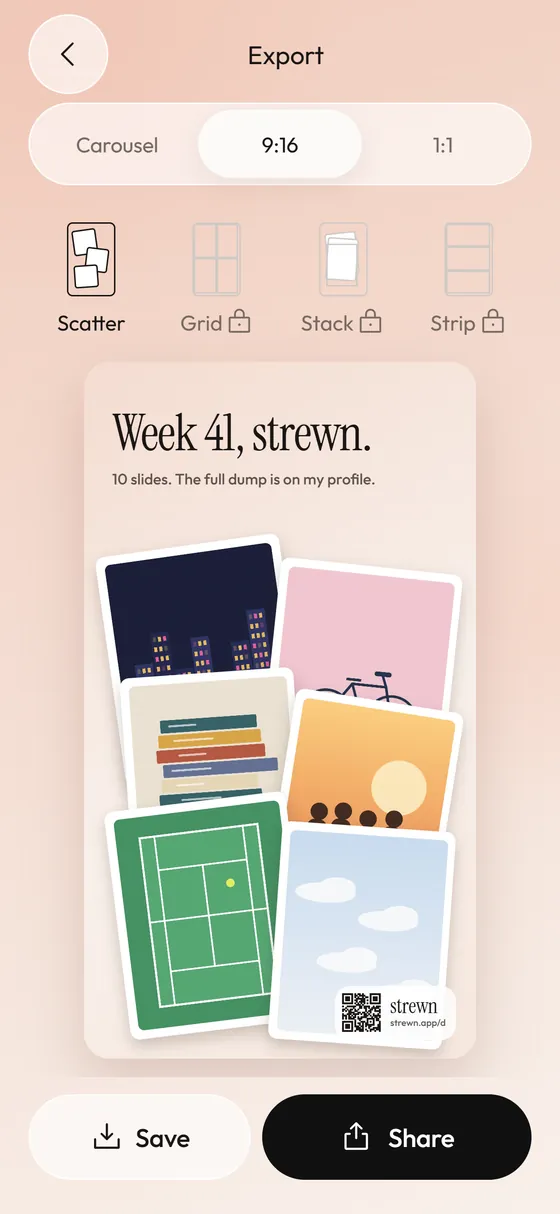
If you want a full-screen look, Strewn's 9:16 Stories teaser is a collage image at 1080 by 1920 that you can use as a single photo in a TikTok post. Strewn is in development and not on the App Store yet.
Can I use the same dump on both Instagram and TikTok?
Yes, with one decision up front. A 4:5 carousel works on both, but it fills Instagram better than TikTok. If TikTok is your main target, prefer vertical originals and crop them to 3:4 or taller before you post. Many creators keep one set of ordered photos and post it twice, changing only the caption and the sound.
What sound should I use?
Pick one that matches the energy of the middle of your dump. A slow song over fast, busy photos feels mismatched. Short trending sounds can carry a whole post, but they age fast. A song you actually had on repeat that week fits the format better and makes the caption easier to write. One of Strewn's caption prompts is exactly that: song on repeat.
Strewn does not add music to anything. Sounds are added inside TikTok.
How many photos should a TikTok photo dump have?
Ten is a safe middle. TikTok has allowed long photo sets, and the cap has changed over time, so check the current number in the app. In practice, 8 to 12 holds attention. Past that, drop-off grows. The length guide covers how to trim.
What mistakes should I avoid?
These cost the most views:
- Opening on a dark or blurry photo that does not read at thumbnail size.
- Using ten near-identical photos of the same moment.
- Choosing a sound after you post, which is impossible to fix cleanly.
- Putting key content at the very bottom, where the interface and caption sit.
- Posting without previewing the swipe once.
How do I keep slides readable at TikTok speed?
Viewers decide in a second. Choose photos with one clear subject, and avoid fine detail that needs a second look. A plate of food shot from above reads instantly. A busy bookshelf does not. If a slide needs a caption to make sense, it is probably better as a screenshot-free, plain photo with a title in the caption below.
It also helps to keep color consistent between neighbors. A jump from warm to cold in a single swipe looks like a glitch at that speed. Strewn's Color flow order, a Pro option, does that sorting by hue for you, and the aesthetic dump guide explains the idea.
What should the caption say on TikTok?
Short and personal. A few words, a date or a line about the sound works better than a paragraph. Hashtags are optional and a matter of taste. Three words for this week is a prompt that fits the format. See dump caption formats for a list.
Do I need an account in Strewn?
No. Strewn has no account, no analytics and no network calls of its own. Photos stay on the iPhone and it sees only the ones you pick in the system picker. See on-device privacy.
Frequently asked questions
How do you make a photo dump on TikTok?
Choose and order your photos, save them to your iPhone in that order, then select them in TikTok's photo post option, add a sound and post.
What is the best order for a TikTok photo dump?
A sharp, bold opener, a calm second slide, a loose photo near slide 4 and a warm closer. Keep slides readable in one second.
Does a TikTok photo dump need vertical photos?
Vertical photos fill the screen best. Landscapes work in the middle but leave bars.
Can Strewn export for TikTok?
It saves ordered slides to Photos and a 9:16 collage image. Posting and adding sound happen in TikTok.
How many photos should I use?
Around ten. TikTok's maximum has changed over time, so check the app for the current limit.
Keep exploring
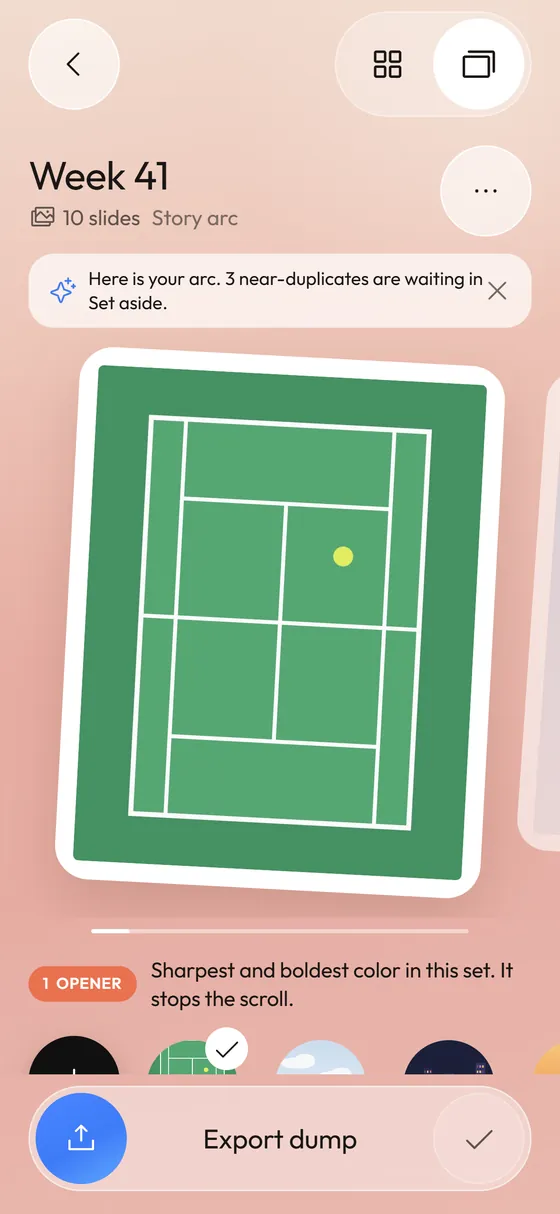 Photo Dump OrderA slide-by-slide order template for a 10-photo dump.Photo Dump Instagram StorySizes, layouts and a teaser approach for dump-style Stories.
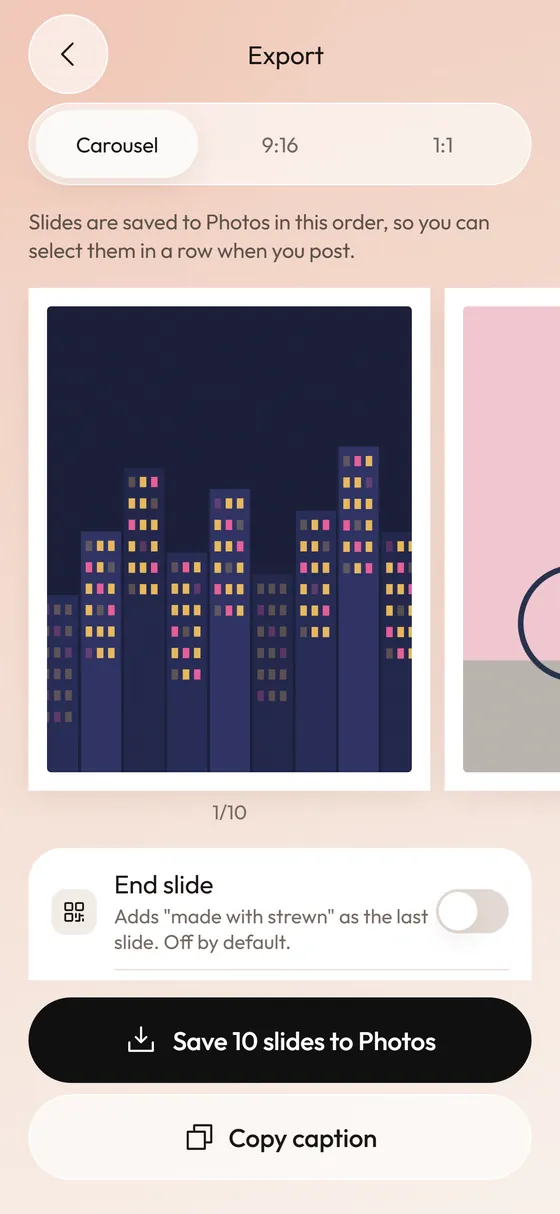 Photo Dump Carousel and Collage Export for StoriesCarousel slides, a 9:16 teaser and a 1:1 collage.
 What Is a Photo Dump? Meaning, Examples and How to Make OneMeaning of a photo dump, what goes in one, and how to make yours.