 Strewn
Instagram carousel size and aspect ratio
The safe Instagram carousel size is 1080 pixels wide, with every slide in the same shape: 1080 by 1350 for 4:5, 1080 by 1440 for 3:4 or 1080 by 1080 for square. Instagram crops the rest to match the first slide, so pick one ratio before you export.
Coming soon to iPhone
What are the pixel sizes for a carousel?
Use 1080 pixels wide and let the height follow the ratio. This table lists the three shapes people export most:
| Shape | Pixels | Notes |
|---|---|---|
| 4:5 portrait | 1080 x 1350 | Fills the most screen in the feed |
| 3:4 portrait | 1080 x 1440 | Taller, supported since 2025 |
| 1:1 square | 1080 x 1080 | The classic shape |
Which ratio should I use?
For photo dumps, 4:5 is the practical default. It takes more vertical room on a phone than a square, which makes each slide larger, and it is the shape most guides and most viewers expect. A 3:4 option arrived in 2025 and gives a slightly taller slide, but it does not match older profile grids and previews, so test it with one post first.
Whatever you choose, aspect ratio) is simply width divided by height. Keep it identical across all slides of one carousel.
Why does Instagram crop my later slides?
In everyday use, the first slide sets the shape and the later ones are fitted to it. If slide 1 is 4:5 and slide 5 is a wide landscape, slide 5 is cropped or shown with bars. This is the number one cause of dumps that look worse after posting than in the gallery.
The fix is to prepare every slide at the same size before you upload. That is exactly why Strewn renders all slides in one frame: the shape and border are chosen once for the whole dump.
What does Strewn export?
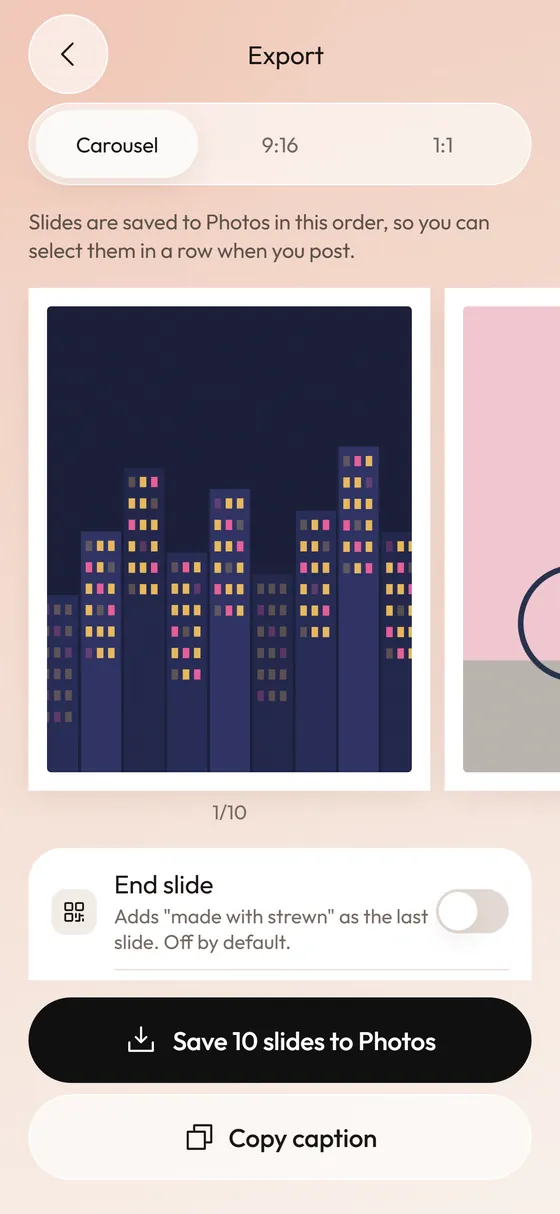
Strewn draws each slide off screen at 360 points and captures it at 1080 pixels wide. The carousel slide sizes are 1080 by 1350 for 4:5, 1080 by 1080 for 1:1 and 1080 by 1440 for 3:4. The free plan has 4:5 with a white border, and Pro adds 1:1, 3:4 and cream or black borders. The Stories teaser is 1080 by 1920 and the square collage is 1080 by 1080. More on the export page.
How do I make sure every slide matches?
Follow these steps whichever tool you use:
- Choose the ratio first, ideally 4:5.
- Crop or frame every photo to that ratio before posting.
- Add the same border to every slide, or none at all.
- Export at 1080 pixels wide.
- Check the first slide at thumbnail size, since it shapes the whole post.
- Upload them in order, and preview the swipe before you share.
Is bigger always better?
No. Instagram scales images down to fit its feed width, so a 4000-pixel photo is shrunk and recompressed anyway. Exporting at 1080 wide gives you control of the result instead of leaving it to the app. If photos look soft after upload, read why Instagram photos look blurry.
What about the profile grid?
The grid on your profile crops the cover of each post. A 4:5 post shows its middle portion in the grid, so keep the subject of slide 1 near the center. A square slide shows fully in a square grid but loses ground when the grid is taller. Keeping the subject centered protects you in either case.
Can I mix photos and videos in a carousel?
Yes, Instagram lets carousels hold both. The same rule applies: the first item sets the shape. Strewn handles still photos only.
What is the difference between 4:5, 3:4 and 1:1?
Ratios compare width to height. A square is 1:1. A 4:5 portrait is a quarter taller than it is wide. A 3:4 portrait is a third taller. On a phone feed, the taller the slide, the more of the screen it takes, so portrait shapes feel larger than squares even at the same width.
Landscape photos suffer in portrait frames because they are cropped or shrunk. If your dump mixes vertical and horizontal photos, 4:5 with a border is the kindest frame: horizontal photos sit inside it with margin, and vertical ones fill it. Strewn frames every slide the same way for this reason.
What file format should I export?
JPEG is the safe choice. iPhones can shoot in HEIC, a more compact format described in the HEIF article, and Instagram converts it on upload, but exporting a JPEG removes one variable. Strewn saves slides to Photos as images in the frame you chose, so they are ready to select in order.
A PNG is fine for collages and graphics with flat color. For photos, it makes a bigger file with no gain in sharpness once Instagram recompresses it.
How do I check what I exported?
Open the Photos app, tap the image and swipe up to see its details, or use the info button. Look for the dimensions. If a slide shows 1080 by 1350, you are set for 4:5. If one shows something odd like 1080 by 1267, it was cropped to its source and not framed, and it will not match its neighbors.
Do this check once with a new tool, and you can trust it afterward.
Which mistakes show up most?
These are the repeat offenders:
- Starting with a square slide and following with portraits, which shrinks every portrait.
- Uploading screenshots at their native size, which are much taller than 4:5.
- Adding borders to some slides and not others.
- Keeping the subject at the edge of slide 1, where the profile grid crops it.
- Posting from a photo editor with a different export preset for each slide.
Do these numbers change over time?
They do. Instagram has changed its supported shapes before, and the 3:4 option is recent. The numbers in this guide describe the common setup as of October 2026. Because the crop screen in the app always shows which ratios your account accepts, it is worth a ten-second look before you export a long set.
Two rules survive every change: keep one ratio across the carousel, and export at the width the feed displays, which is 1080 pixels.
How long can a carousel be?
Instagram has moved from 10 to up to 20 slides on its platform, though the rollout was uneven. See how many photos you can post for the details and how Strewn's 10 slides on the free plan and 20 with Pro fit in.
Sizes and limits change. When in doubt, open the crop screen in Instagram and see which ratios it offers.
Frequently asked questions
What is the best Instagram carousel size?
1080 by 1350 pixels, a 4:5 portrait, for most photo carousels. It fills more of the feed than a square.
Can a carousel use 3:4 photos?
Yes, Instagram added 3:4 photo support in 2025. The pixel size is 1080 by 1440.
Why are my carousel photos cropped?
Later slides are fitted to the first slide's shape. Prepare all slides at the same ratio before uploading.
Does Strewn export at 1080 pixels wide?
Yes. Slides are captured at 1080 pixels wide in 4:5, 1:1 or 3:4, depending on the frame you choose.
What size is an Instagram Story?
1080 by 1920 pixels, a 9:16 frame. Strewn's teaser collage uses the same size.
Keep exploring
Photo Dump Carousel and Collage Export for StoriesCarousel slides, a 9:16 teaser and a 1:1 collage.How to Post a Photo Dump on Instagram in the Right OrderA short routine for posting a carousel in the order you planned. Photo Dump OrderA slide-by-slide order template for a 10-photo dump.Aesthetic Photo DumpPalette, light, frame and order: four levers that make a dump look planned.