 Strewn
Strewn vs SCRL: let the order be proposed, or design everything yourself
SCRL is a large collage and carousel suite with templates, a freeform canvas, an editor and direct posting, rated 4.83 from about 124,000 reviews. Strewn is a smaller tool that picks an order for 10 to 60 photos, explains it and makes the carousel, teaser and collage. SCRL is out now; Strewn is not released.
Coming soon to iPhone
What is the main difference?
SCRL gives you a canvas and templates and expects you to build. Strewn starts from your pile of photos and proposes a sequence, with a plain-words reason for each slide, then lets you change it.
SCRL facts come from its US App Store listing on October 10, 2026. Strewn has no listing yet.
Strewn vs SCRL at a glance
| Strewn | SCRL | |
|---|---|---|
| Starting point | 10 to 60 photos picked, order proposed | Blank canvas or template |
| Ordering help | Story arc, Timeline free; Color flow, Shuffle in Pro | Not described on its listing |
| Near-duplicates | Sharpest of each burst kept, twins moved to Set aside | Not described on its listing |
| Captions | Prompts, you write; nothing generated | Not described on its listing |
| Templates | Four collage layouts for Stories and posts | Large in-house library of collage, carousel and story templates |
| Photo editor | No | Exposure, color and filters |
| Slide limit | 10 free, 20 with Pro | More than 10 photos per post per its listing |
| Posting | Saves slides to Photos in order; no direct posting | Direct posting to Instagram and TikTok |
| Collage mark | Small mark and QR on free collages; never on carousel slides | See its listing |
| Habit features | Weekly reminder, streak, archive, monthly recap (share is Pro) | Not described on its listing |
| Account and data | No account, no analytics, no network calls of its own | See its privacy label |
| Languages | English and Russian | 16 languages on its listing |
| Price | Free download; Pro plans; no amounts published | Free download; in-app purchases |
| US App Store rating | Not on the App Store yet | 4.83 from about 124,000 ratings (October 2026) |
What does SCRL do better?
Almost everything about design. It has far more templates, stickers, a freeform canvas and an editor, supports 16 languages and posts directly to two networks. It has been on the App Store since 2017. If you want a branded, laid-out post, it is the stronger tool.
What does Strewn do better?
Strewn saves the slow part of a dump: deciding what goes where. The default story arc order opens with the boldest photo, rests the eye, keeps one loose shot on purpose and ends quietly. Burst folding removes repeats without deleting anything.
It also nudges a weekly habit with a Sunday recap, and its captions are prompts you finish yourself.
Who should pick which?
- Choose SCRL for templates, stickers, editing and direct posting.
- Choose SCRL if you want a designed look more than a casual one.
- Choose Strewn if sorting 140 photos into 10 is the slow part.
- Choose Strewn if you want no account and an explained order you can overrule.
Sources, checked October 10, 2026: SCRL on the App Store.
Frequently asked questions
Can SCRL make a photo dump?
Yes. Its listing says you can add more than 10 photos in a single post and describes collage and carousel templates.
Does Strewn delete photos?
Never. It cannot change your library. Photos left out of a dump wait in Set aside.
Does Strewn post to Instagram?
No. It saves slides to Photos in dump order, and you select them from first to last when you post.
Can I use both?
Yes. Use Strewn for the order and SCRL if you want to design a collage around the picks.
Keep exploring
 Photo Dump OrderA story-arc order with a reason for every slide.
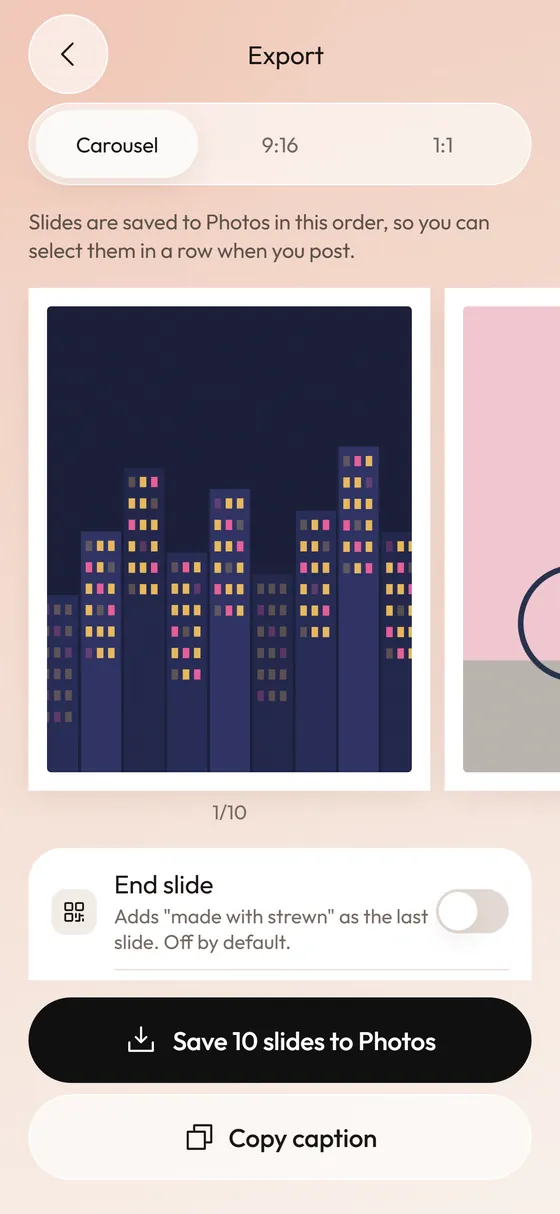 Photo Dump Carousel and Collage Export for StoriesCarousel slides, a 9:16 teaser and a 1:1 collage.
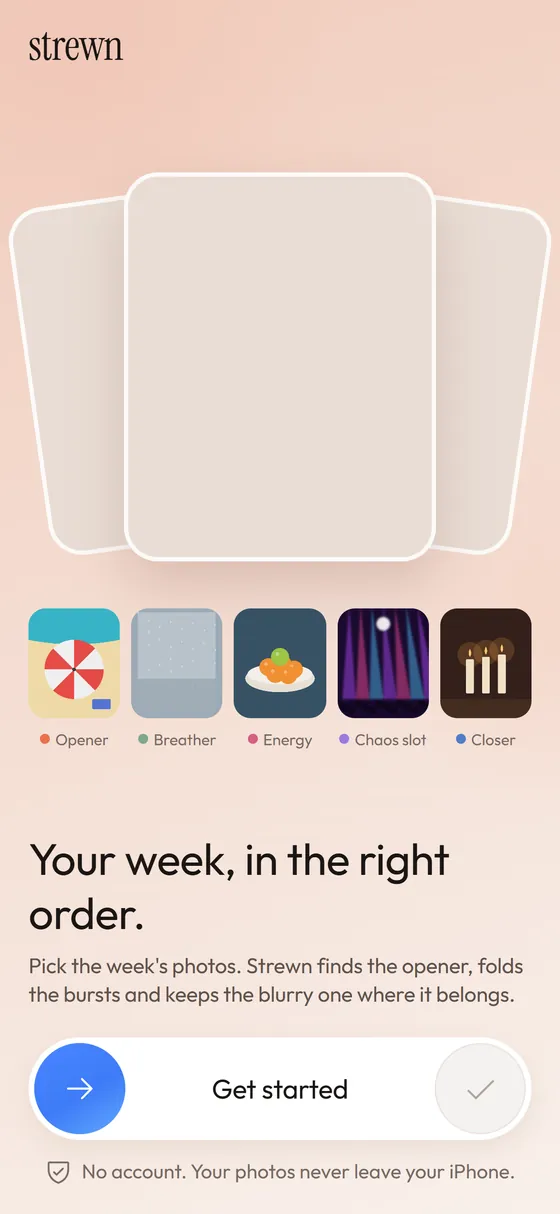 What Is a Photo Dump? Meaning, Examples and How to Make OneMeaning of a photo dump, what goes in one, and how to make yours.